91.8 Radio Live Cartwall
Radio Live Cartwall is designed in two separate sections, one internal to Radio Live Playout and the stand-alone application Radio Live Cartwall
Keywords
this tab contains the key bindings of the Cartwall. Just drag & drop the asset(s) of interest in the desired key to assign them
Cartwall
This tab is dedicated to the creation and management of Cartwall profiles.
Key
management of the details of the Cartwall key
- Leave Description of Media Library
- Leave SOM and EOM of Media Library
- Leave default colors: when unchecked, edit Text Color and Background Color of the key in Keywords tab
Cartwall (Stand-Alone)
the stand-alone application inherits the settings from the Cartwall section internal to Radio Live Playout, but it is designed to display two cartwalls (right section displays only one and takes default cartwall as initial)
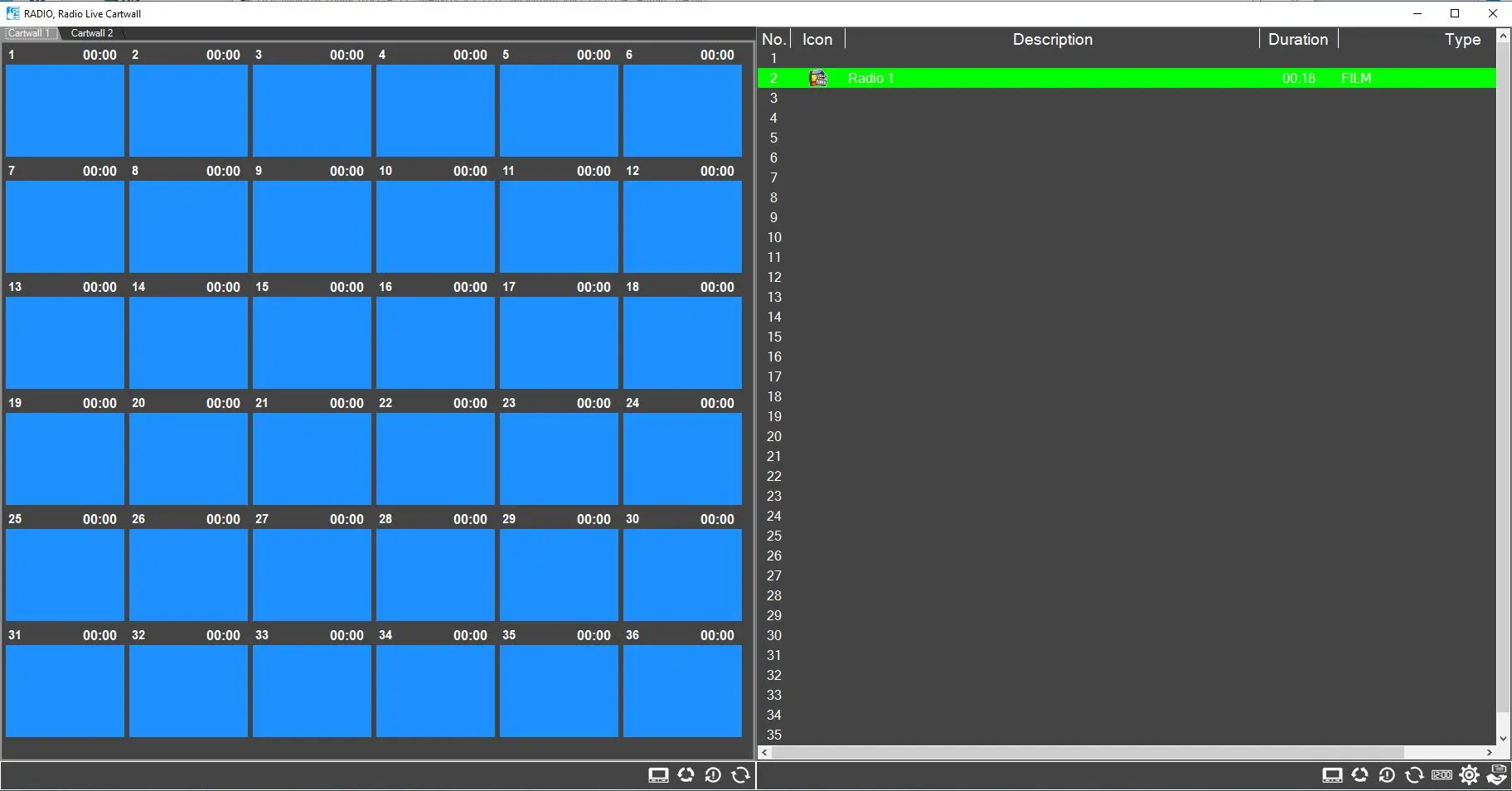 cartwall_external