54.5.1 How to use Events Scheduling?
What is Events Scheduling?
The Events Scheduling module allows operators to easily create, modify and delete the programming of all non-commercial assets, including programs and seasons episodes, offering a robust set of sections designed to carry out precisely the various tasks that compose the scheduling of contractual assets.
Select the Asset
Press the Search button and select the asset to be scheduled:
Tralit_asset2
Choose an Operation
To operate, navigate to its proper tab and set the related parameters. Available functions are:
Tralit_tabs2
Programming
Fixed Times
Rotation Table
Copies
Seasons
Adjustment
Replacement
Delete
Start the Process
Once all the parameters of the selected operation have been set, press the RUN button to start the process:
Tralit_launched2
 Tralit_tabs2
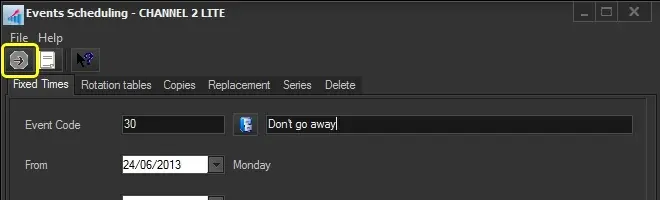 Tralit_launched2
 Tralit_asset2