1.3.8 Security considerations
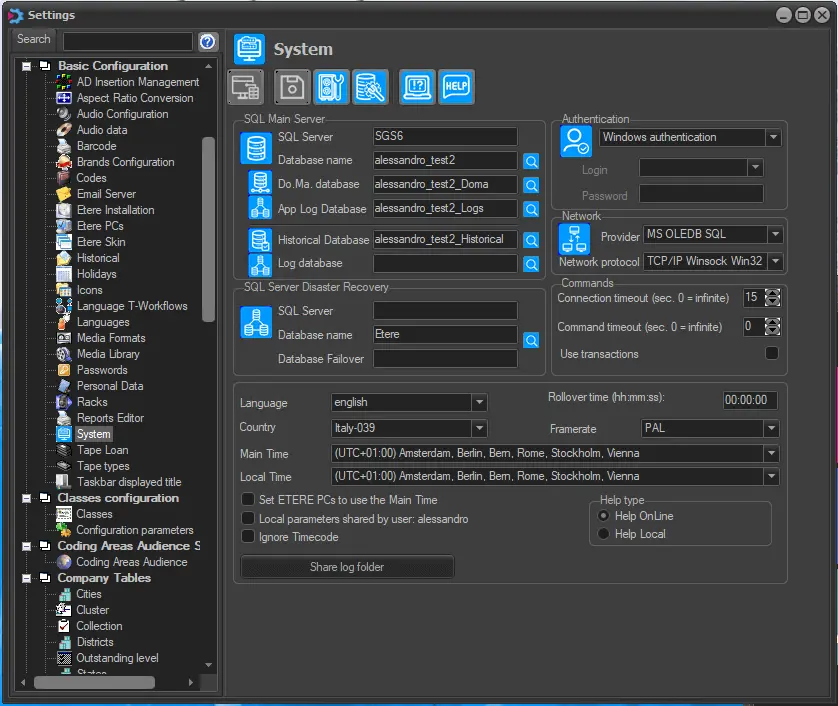
Settings are available in the System section depending on the permissions granted to the Windows user.
Administrator with Full Elevation: All the system settings will be open for viewing and editing.
system_settings
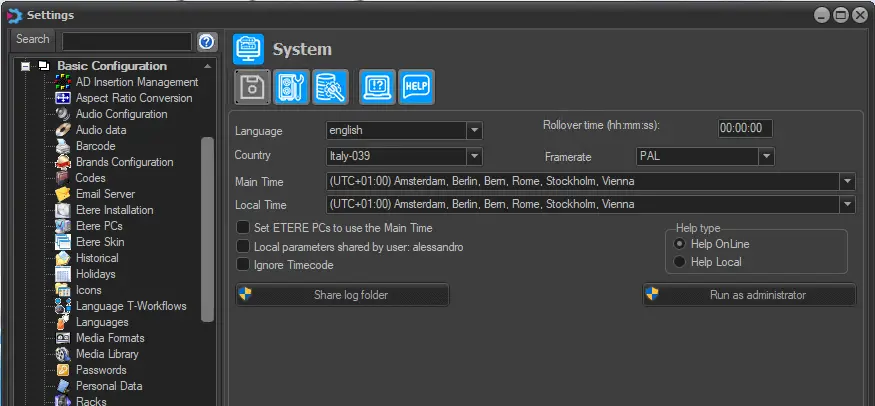
Administrator with Limited Elevation: Only non-database-related settings are available for viewing and editing.
administratorsystem_settings
However, it is possible to run Etere Configuration "as administrator" to view and modify all the system settings.
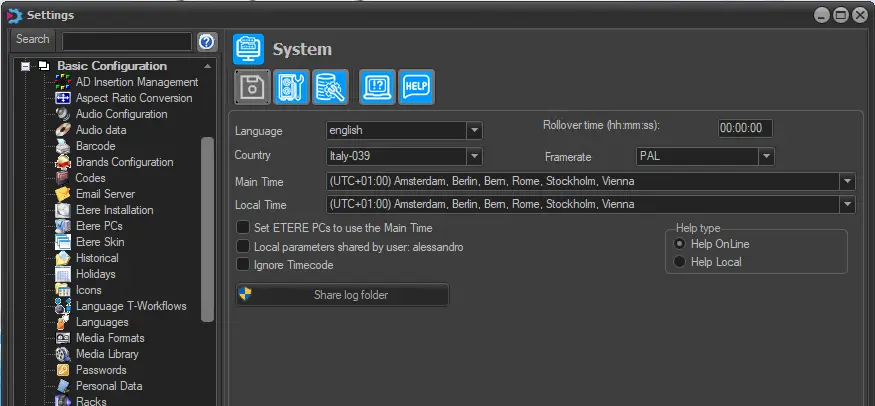
Standard User: Only non-database-related system settings are available for viewing and editing.
standard_user_editing
NB: Please note that in Microsoft Windows 2012, to access Etere Configuration in administrator mode, administrators must disable the UAC, as explained in the "Disabling UAC on Windows Server 2012" chapter.
 system_settings
 administratorsystem_settings
 standard_user_editing