79.2.4.8 Live Events Duration
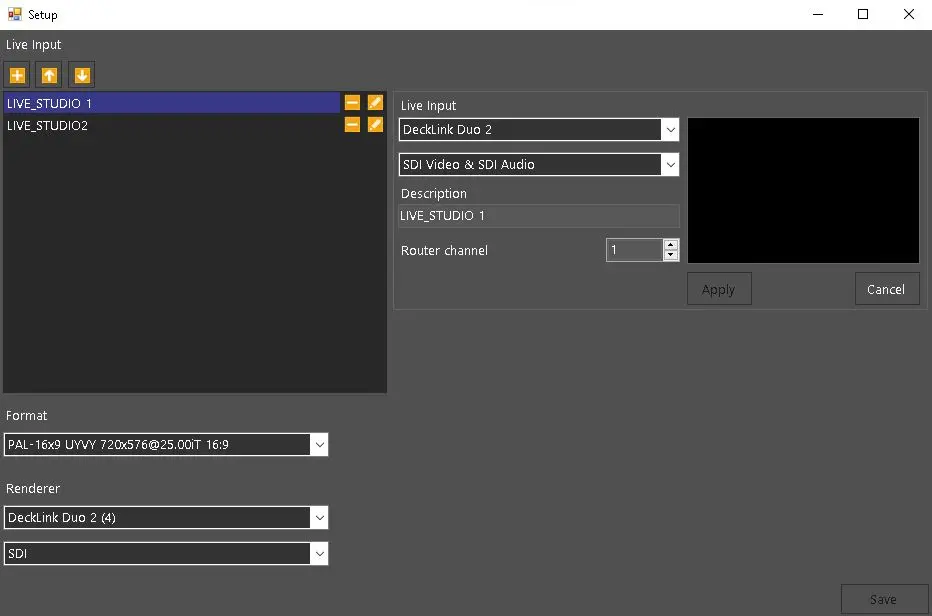
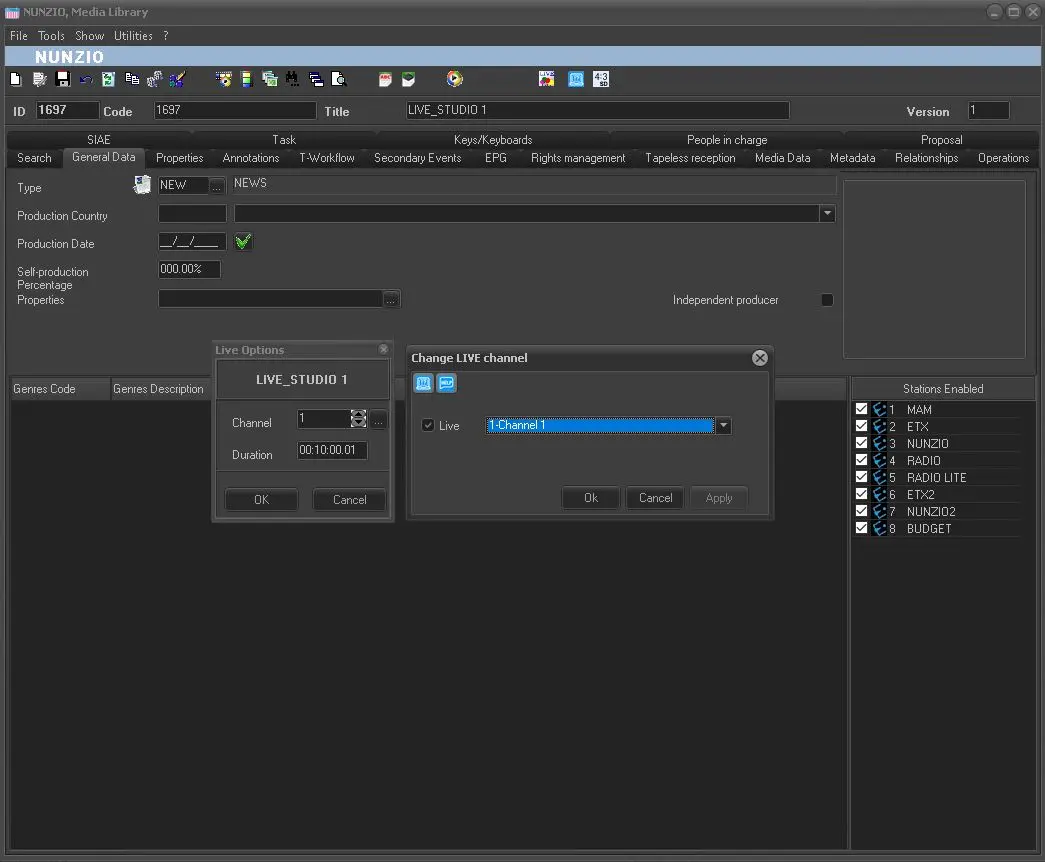
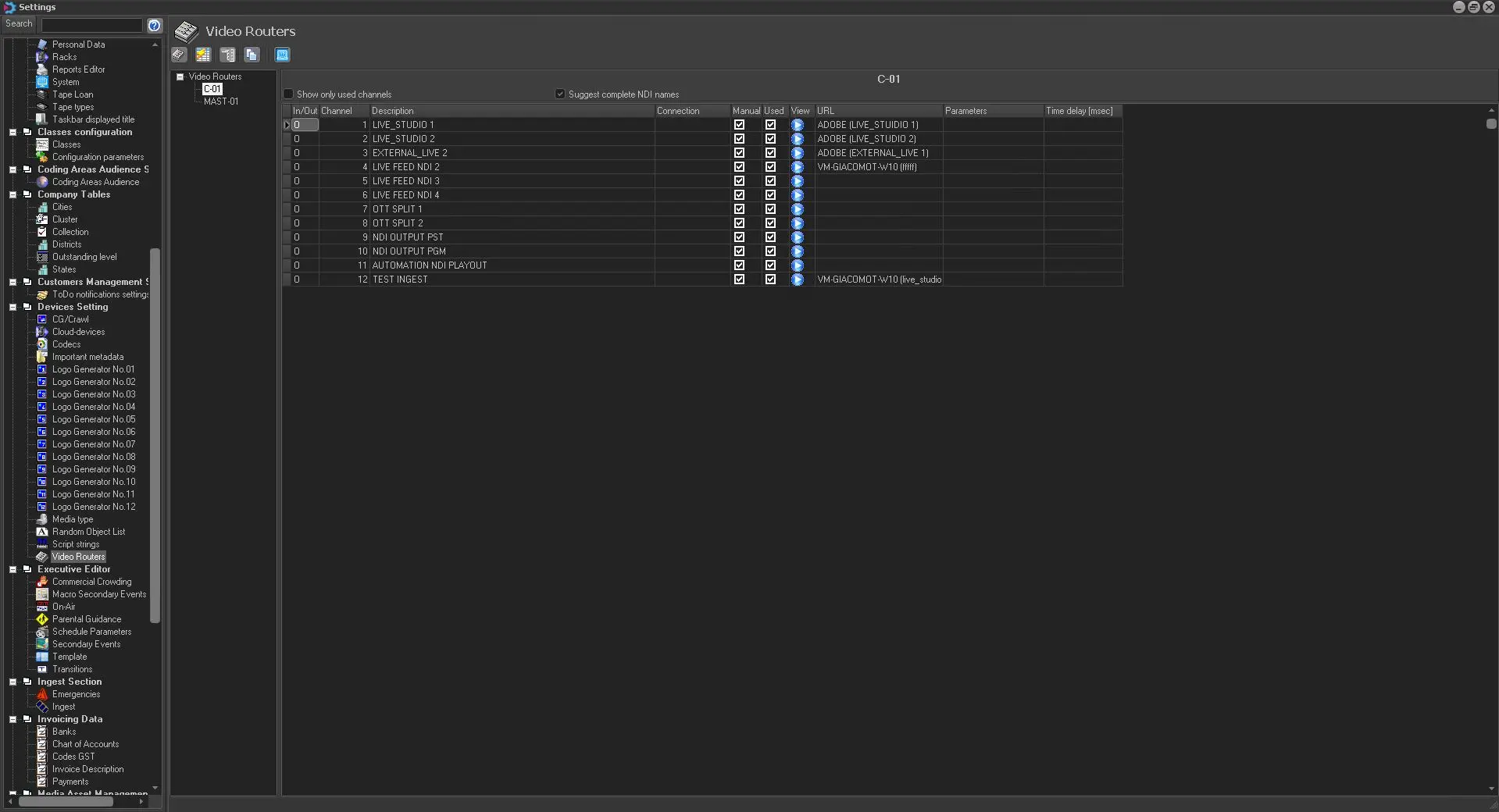
In Etere Nunzio Graphic Player, it is possible to manage any live event which is configured into the Etere Database and assign to it any given duration as well as the related Live Channel configured in Etere Media Library.
nunzio_router_channel
ml_live_channel
etere_ip_router
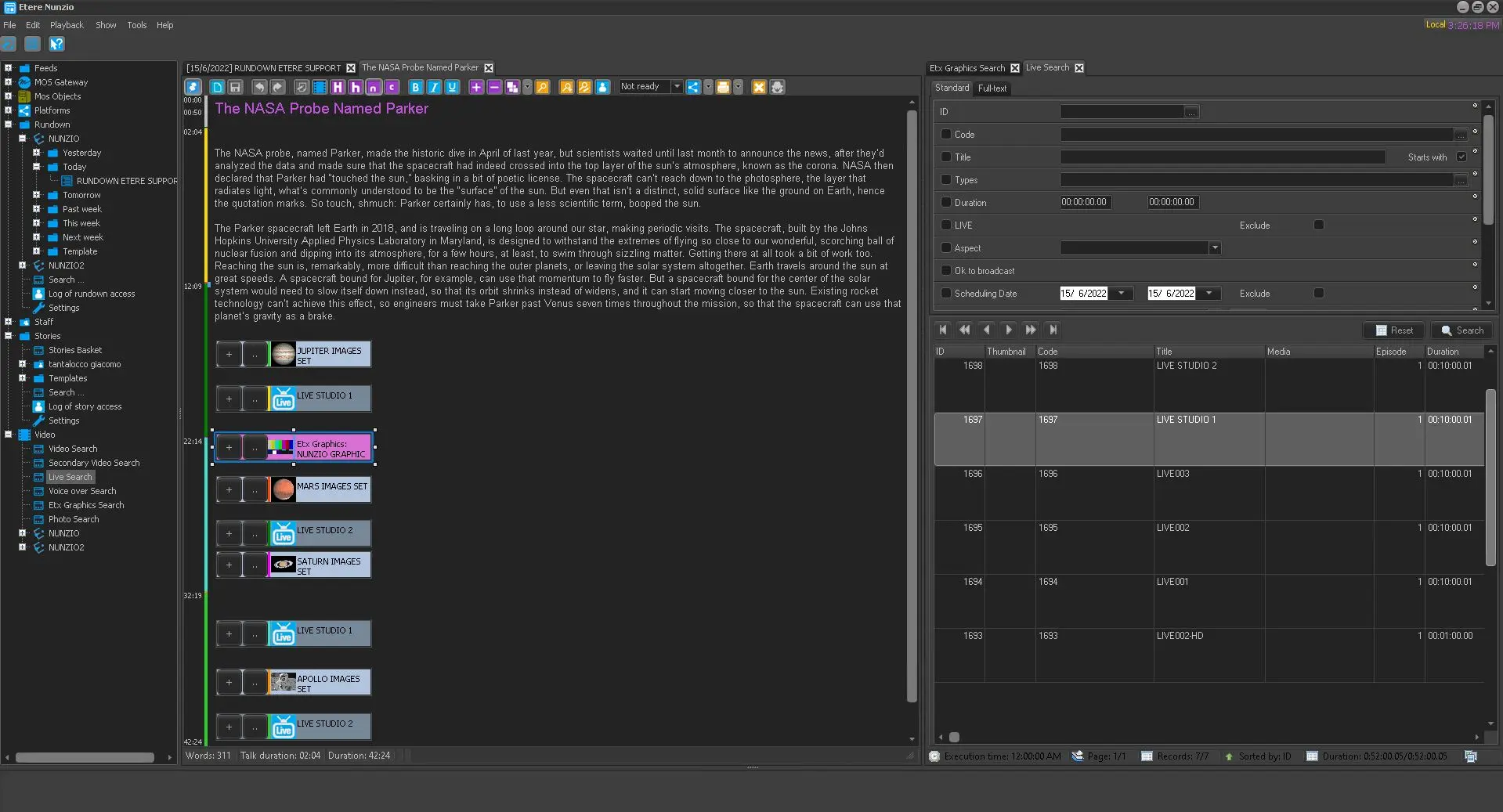
Is it possible to search for any Live Event directly from Etere Nunzio interface, just by double-clicking on:
Video > Live Search
nunzio_live_evt_management
The Live Search form would eventually appear and from here is possible to search for any Live event into the Etere database only.
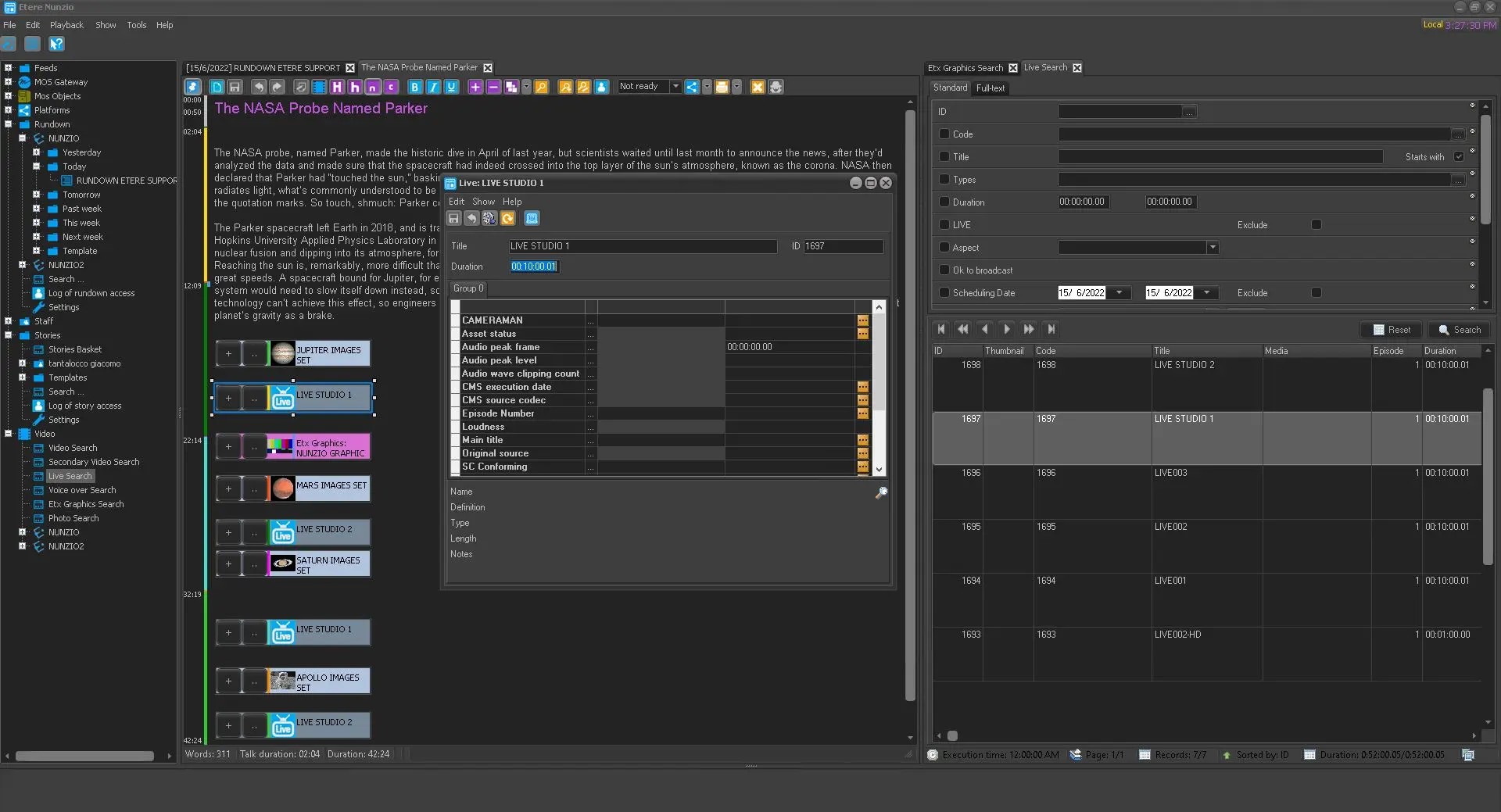
Once we select the given Live and we inserted it into the Story body, we can access the setting form just by pressing the dot configuration button.
live_duration_form
From here we can set the given duration of the Live event and save the given configuration.
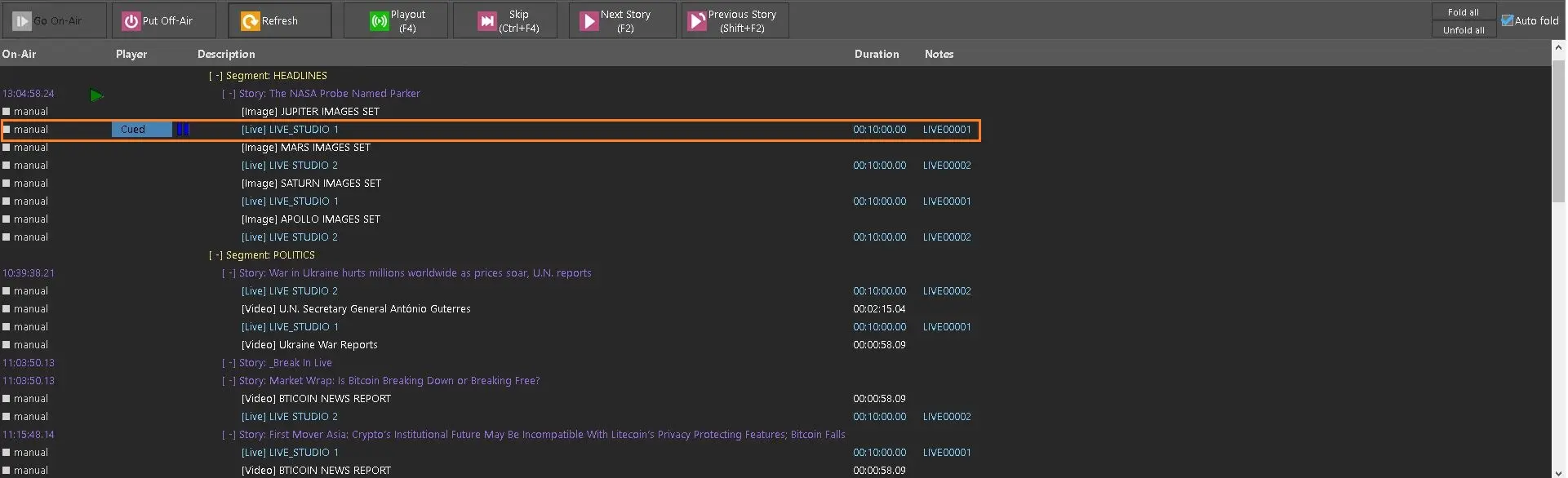
Once the modification has been made, we can see that the changes have been propagated to the Nunzio Graphic Player playout. In order to see the updated Rundown, we need to press the Refresh button.
rundown_modification
 live_duration_form
 nunzio_live_evt_management
 nunzio_router_channel
 ml_live_channel
 rundown_modification
 etere_ip_router