Lines tabs
6.1.3.7 Restrictions
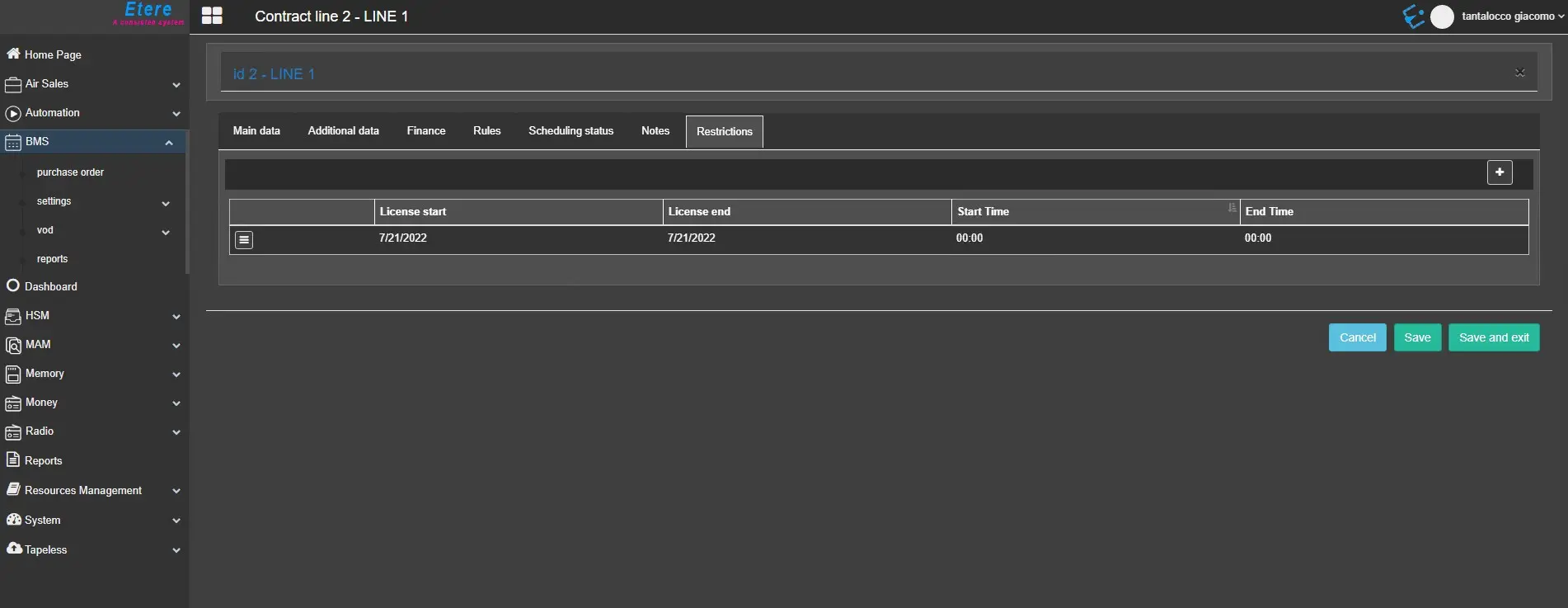
The Restrictions tab allows you to define one or more restrictions within date ranges for which purchased content is licensed for use and the exact time slot for each restriction period.
restrictions
Click the + button to define a new restriction:
• License start: Specify the date when the licensed period starts. The start date must be within the line’s validity period.
• License end: Specify the date when the licensed period ends. The end date must be within the line’s validity period.
• Start time: Specify the start time slot for the licensed period.
• End time: Specify the end time slot for the licensed period.
Click the ☰ button beside the rule to Edit or Delete the selected restriction.
 restrictions