52.1.2 Automation Mode
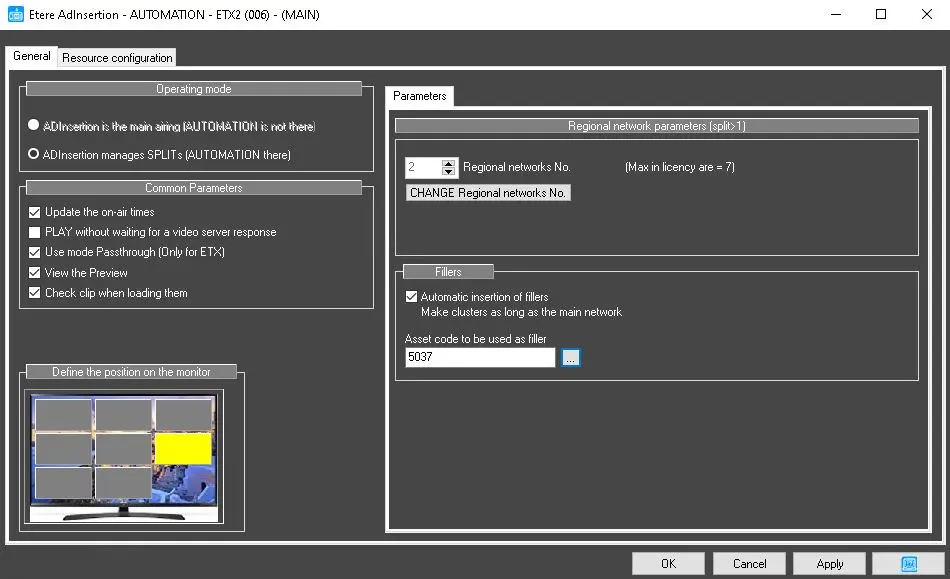
When Etere Ad Insertion is started along with Etere Automation, it functions as Network Split, which allows multiplying the output into different locations.
Parameters
Regional Network parameters:
• Regional Networks No.: it allows to choose how many regional Networks can be used along with Etere Automation;
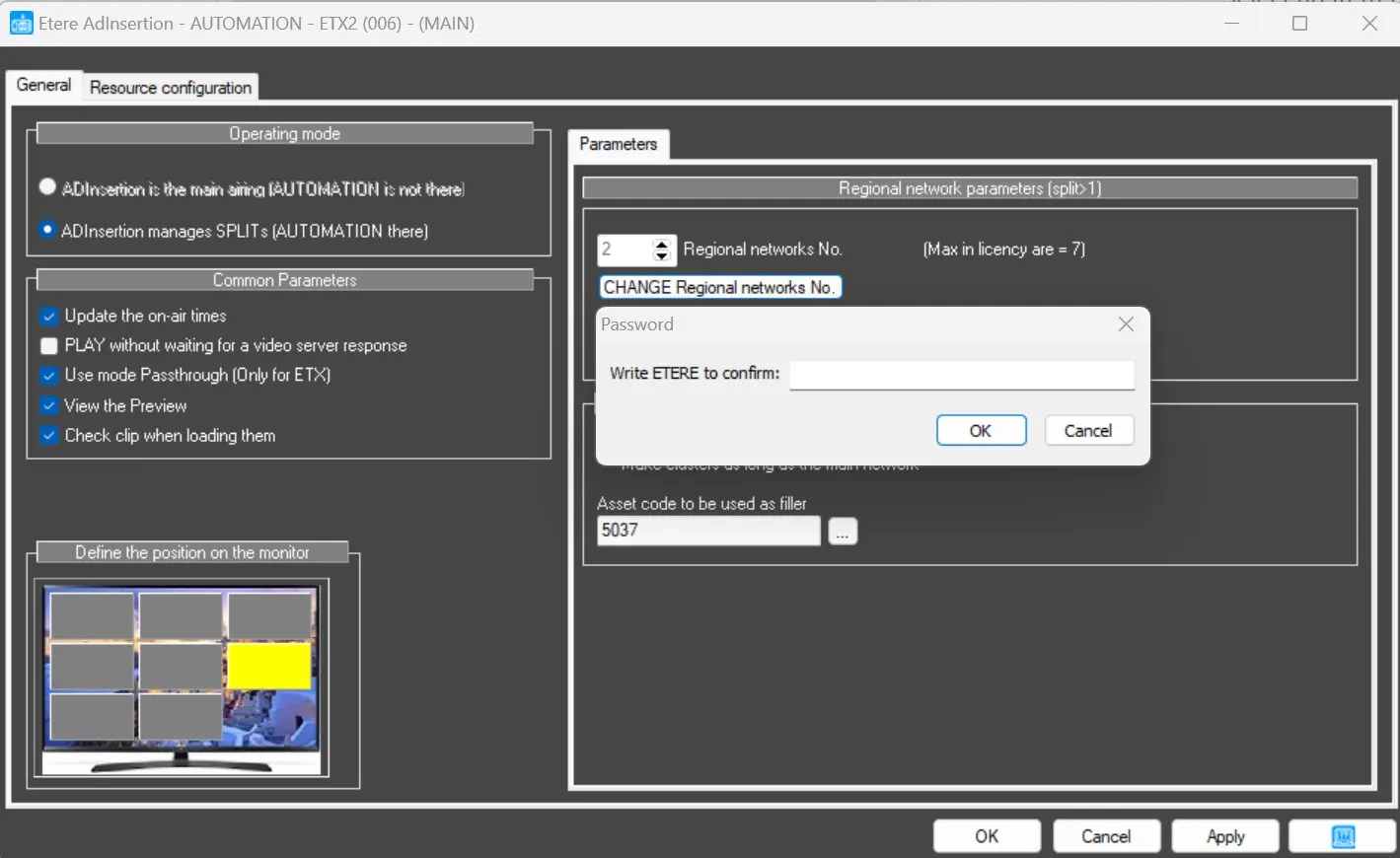
change_regional_network
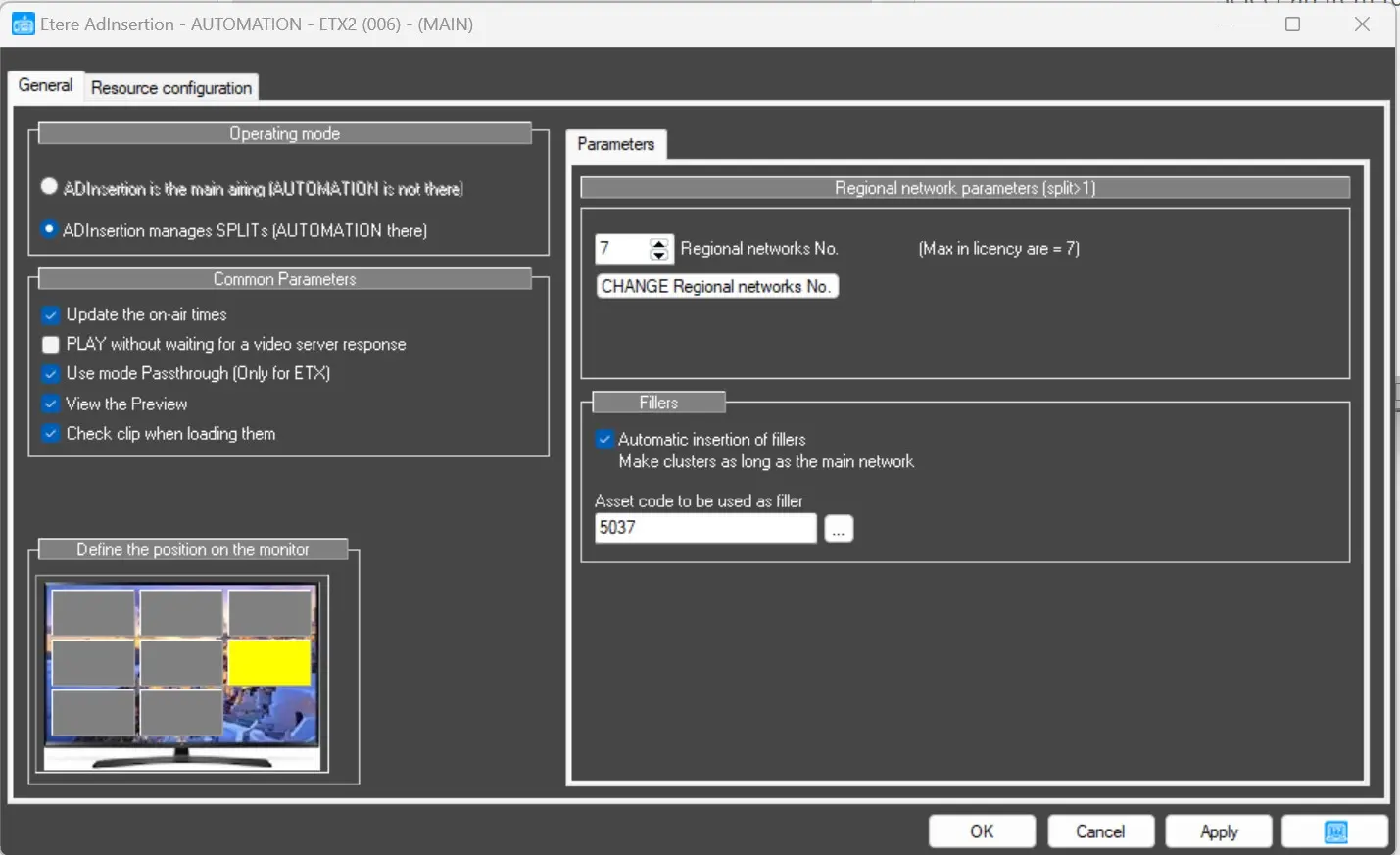
• CHANGE Regional networks No.: it is possible to change it according to the given configuration. The system will allow to have up to 7 SPLITS for each Station;
change_regional_network_done1
Fillers:
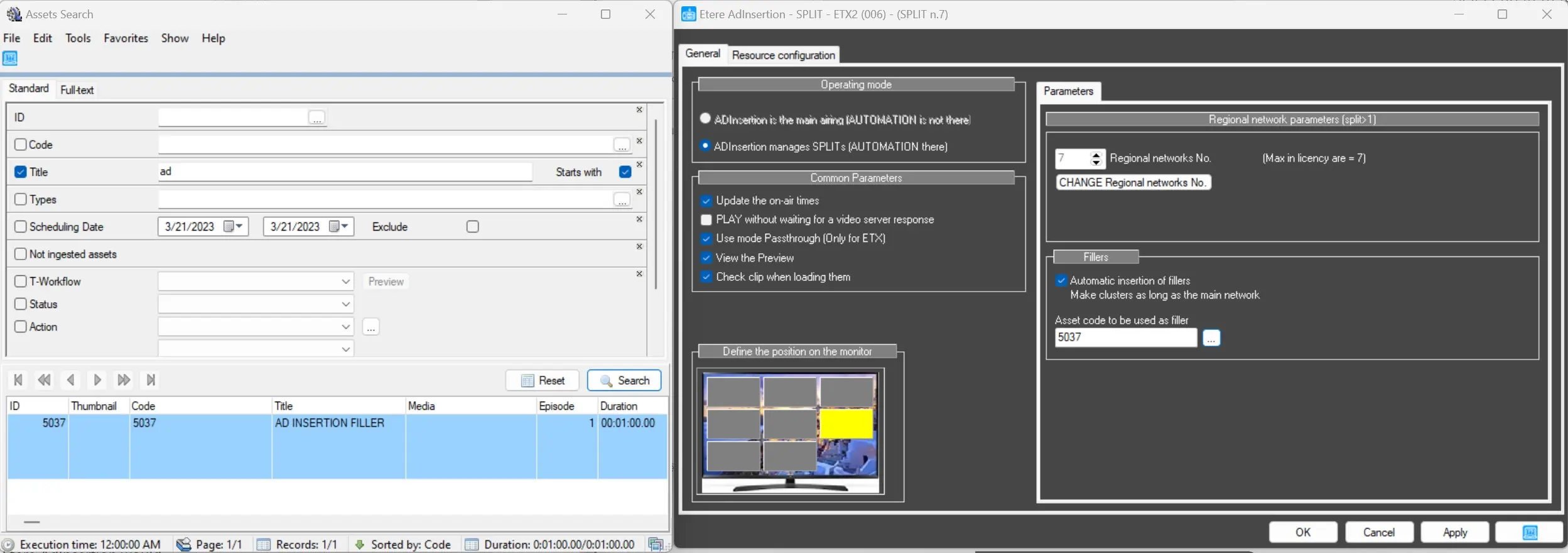
• Automatic insertion of Fillers: Make the cluster as long as the Main Network. This function will allow inserting an asset as FILLER if the Commercial Break, which should be played with Etere Ad Insertion, is shorter than the Main Network ones. In that case, Etere Ad Insertion would fulfil the space with the pre-inserted FILLER;
ad_insertion_filler
FIRST CONSIDERATIONS
Etere Ad Insertion in Automation Mode can allow up to 7 different SPLITS per Station to run along with Etere Automation.
If Ad Insertion is launched without variables in the command, it positions itself as the leading network (SPLIT1).
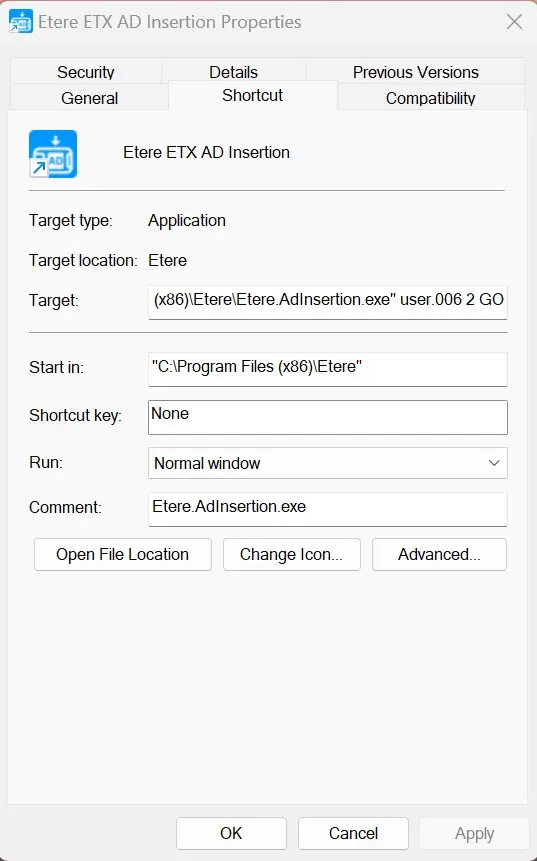
On the other hand, if we want to start Ad Insertion along with Etere Automation as SPLITS, we may want to add the following in the Desktop Icon properties:
"C:\Program Files (x86)\Etere\Etere.AdInsertion.exe" user.006 2 GO
starting_command
Where:
User.002 = Ad Insertion to be launched by user2
2 = indicate as a second module (SPLIT 2)
GO = Proceed to launch if the last Ad Insertion module is started successfully.
The command launch the Ad Insertion module with the user menu.
The maximum number of networks supported is 7.
Note: The maximum network numbers depend on the regional network license on the Station.
 ad_insertion_automation_split
 ad_inserttion_filler
 change_regional_network_done1
 change_regional_network
 starting_command