Settings
6.2.7 Territories
In the Territories section, you can create territories, e.g. China, Italy, or England, to be used when defining the diffusion of rights.
Use the + button to add a new territory, by simply choosing the country and the group, which the country should be assigned to, in the related droplists. Once done, confirm with the Save button.
Note: The groups shown in the droplist must be first configured in Territory groups section.
edit_territory
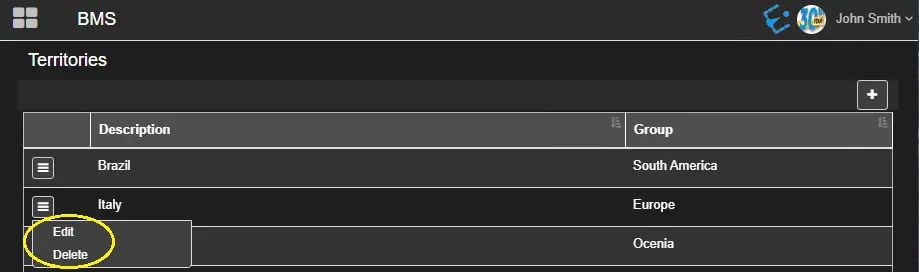
Click the ☰ button and select the propoer option, to edit or delete a territory.
added_to_the_list
As a preventive measure, if you attempt to delete a Territory locked by another user, a warning message would be prompted, and deletion would be denied.
deletion_would_be_denied
 edit_territory
 successful_creation_of_new_territory
 added_to_the_list
 deletion_would_be_denied