Settings
6.2.8 Territory Groups
In the Territory Groups section, you can create groups (e.g. Asia, Europe, Africa, etc.) which the territories created in the previous section will be assigned to.
Use the + button to add a new territory group to the list by simply entering the name of the new territory group.
Territory_Groups
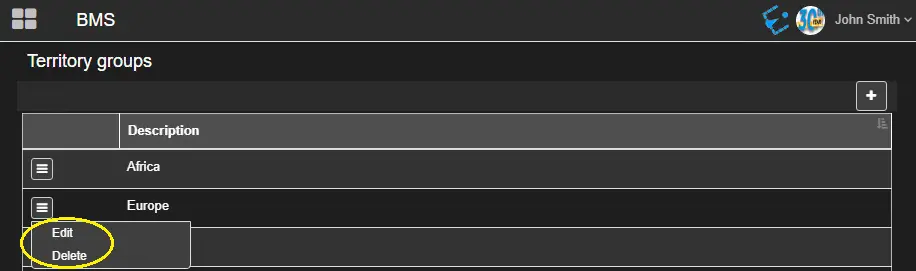
All territory groups are displayed in alphabetical order.
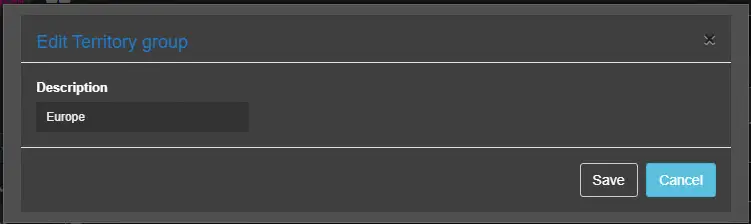
It's possible to edit or delete a territory group, selecting the proper option through the ☰ button.
new_territory_group
As a preventive measure, if you attempt to delete a Territory Group locked by another user, a warning message would be prompted, and deletion would be denied.
deletion_would_be_denied
 Territory_Groups
 new_territory_group
 deletion_would_be_denied