New Contract
4.5.1.2 Instalments
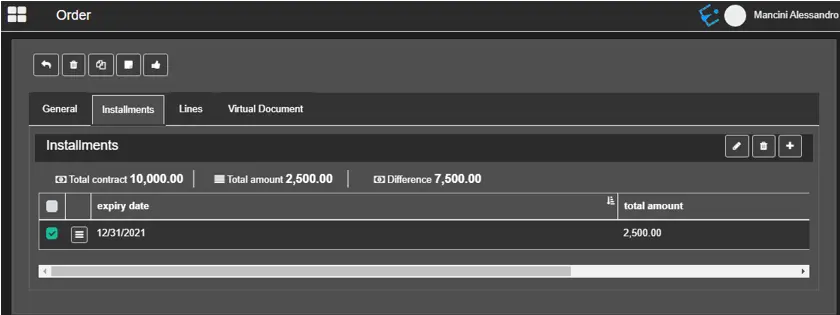
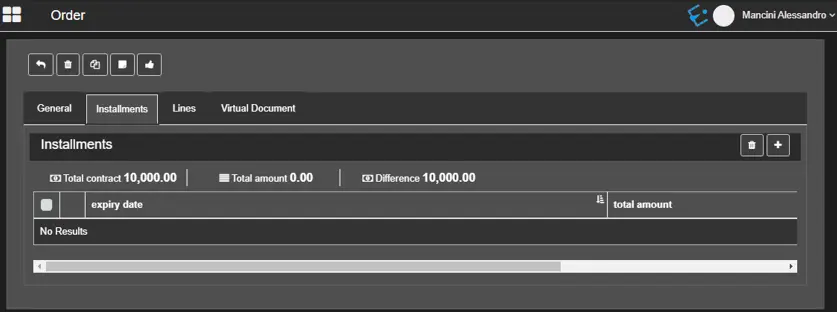
The Installments tab is activated only if the option "Paid in Installments" is enabled in the order. It shows the payment arrangements with the customer for the specific contract.
contract_installments
It also calculates the total amount of the installments inserted and the difference from the contract's total.
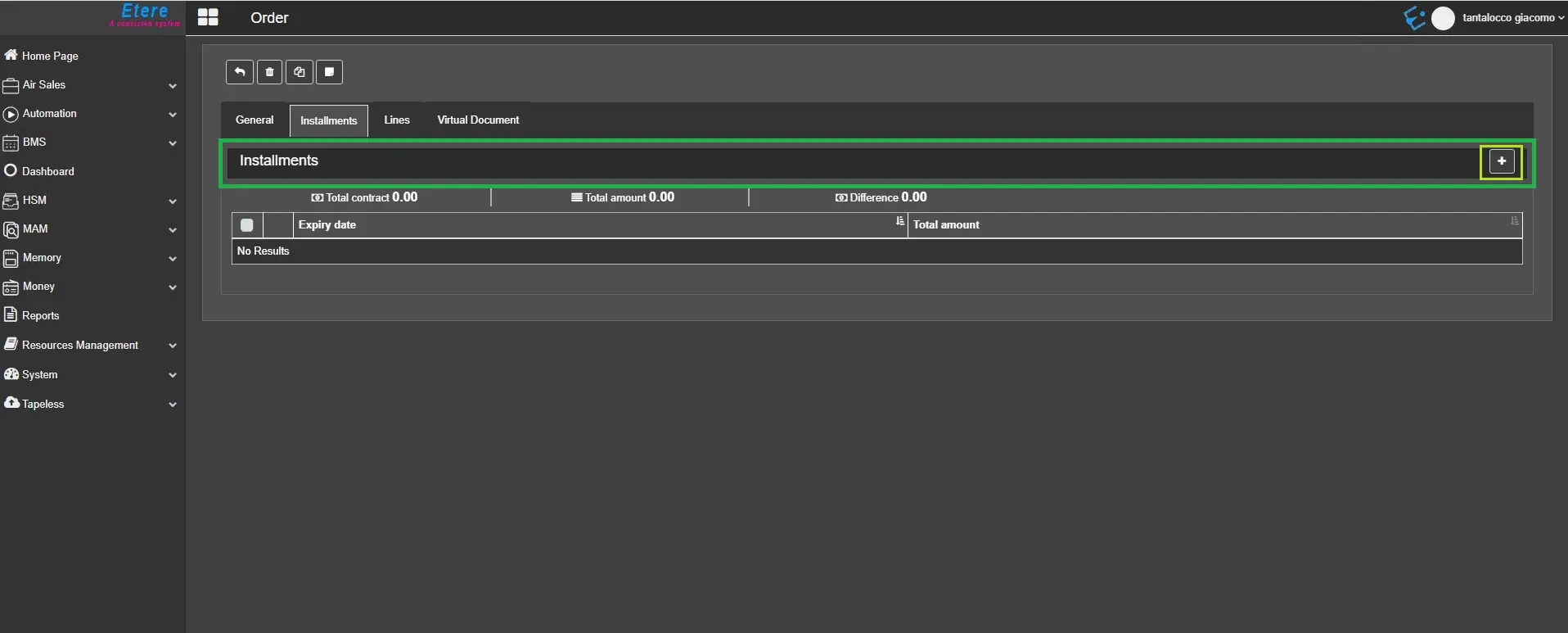
If no installment has been arranged, you can click on the Add installment button to insert one.
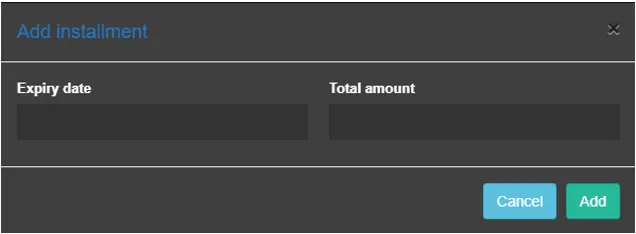
Firstly, enter its expiry date and total payable amount as agreed by the customer.
Next, click the "Add" button to insert the installments.
Add_installment
To edit an existing installment, you may select the Edit option to modify the selected installment, or the Remove option to delete it.
contract_installments_view
add_installments_button
 contract_installments_view
 Add_installment
 contract_installments
 add_installments_button