14.3.3 Send Messages
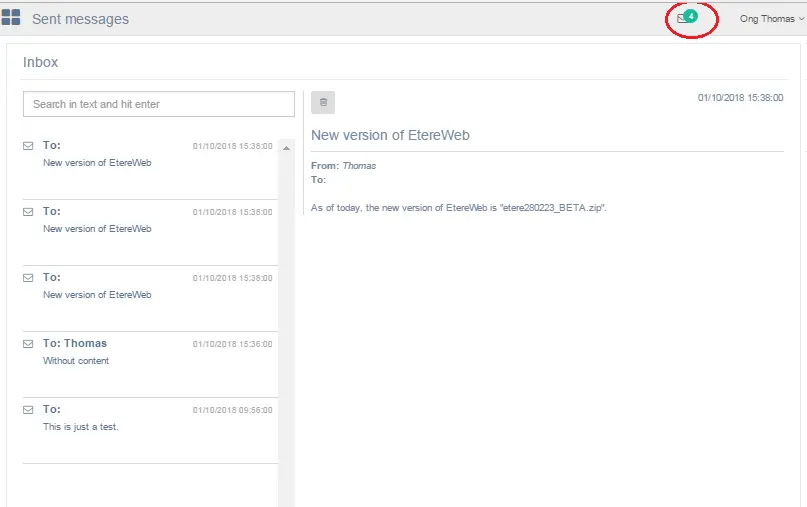
The Sent messages section stored all messages you had previously sent to EtereWeb users and user groups from your EtereWeb station with login user ID. You can view the message content, the date and time when the messages were sent.
Send Messages
When those sent messages start piling up in the folder, you can housekeep those obsolete messages by simply select the messages and click the "Trash" icon to move the selected sent messages to trash bin.
In the Sent messages section, take note of the following behaviors:
•If the message is sent to 3 users, there would reflect as 3 messages in the Sent folder.
•The number in green at the top right corner indicate the total number of messages sent from the EtereWeb workstation. When a message is sent to single user or multiple users, the message is considered as “1” (one) message count.
 Send_Messages