59.3.9.142 Subtitles capture via Yandex Speech Recognition
This action allows you to read the source file to export the text and create subtitles with the set language.
The execution will be done through the media manager service which will launch an executable with the parameters in the "Command" field. This field will be created and setted automatically when the action is created.
The language selected at creation must be enabled by
"Configuration > Settings > Basic Configuaration > Languages" and also in the second tab Subtitles
NOTE: in both tabs, always remember that after each change you must save the configuration with the Save button otherwise the changes will not be updated
WARNING: to use it, you need to have the module licensed "EA1439"
->Each license must be inserted inside the resource properties of the workstation that will be used as client "Configuration > ResourceEditor > Workstation > Properties > Licence"
The following fields will need to be set:
- Name, field with which to name the action
- Operation, field with which to execute. The system presets Execute process, this must not be changed
The General tab:
1) Source
- Current metafile
- Device
- Codec
->Necessary as it will be used to read the source metafile
2) Destination
- Device
- Path
- Codec
->It is not necessary because it will be imported into ETERE as a format CavenaTXT
Once the Action is created and completed, the Link will be created in the asset and can be opened from there (by double clicking) or by opening the asset from Subtitle Tools with this Result
NOTE: as a source, it is recommended to use file:
- Audio format > WAV
- Audio Encoding > Linear PCM (16-bit)
- Sample Rate > 16,000 Hz
- Channels > Mono
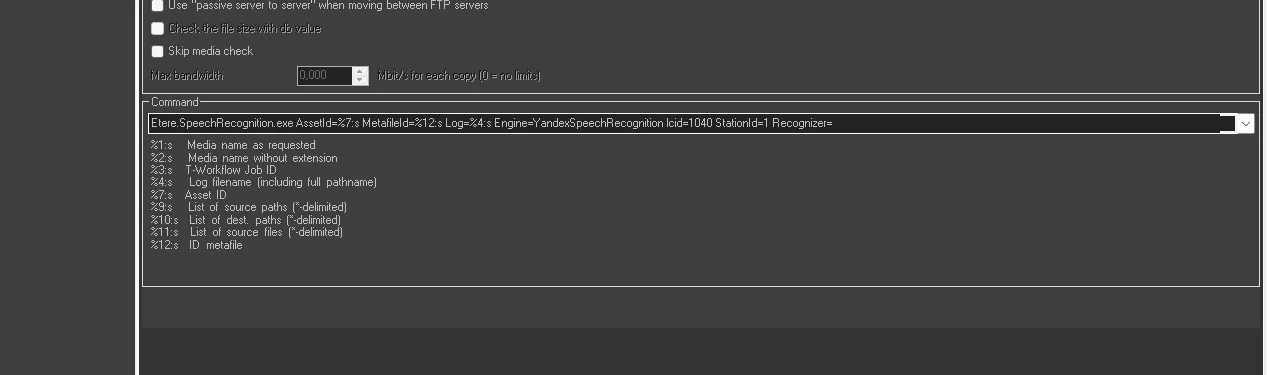 Command
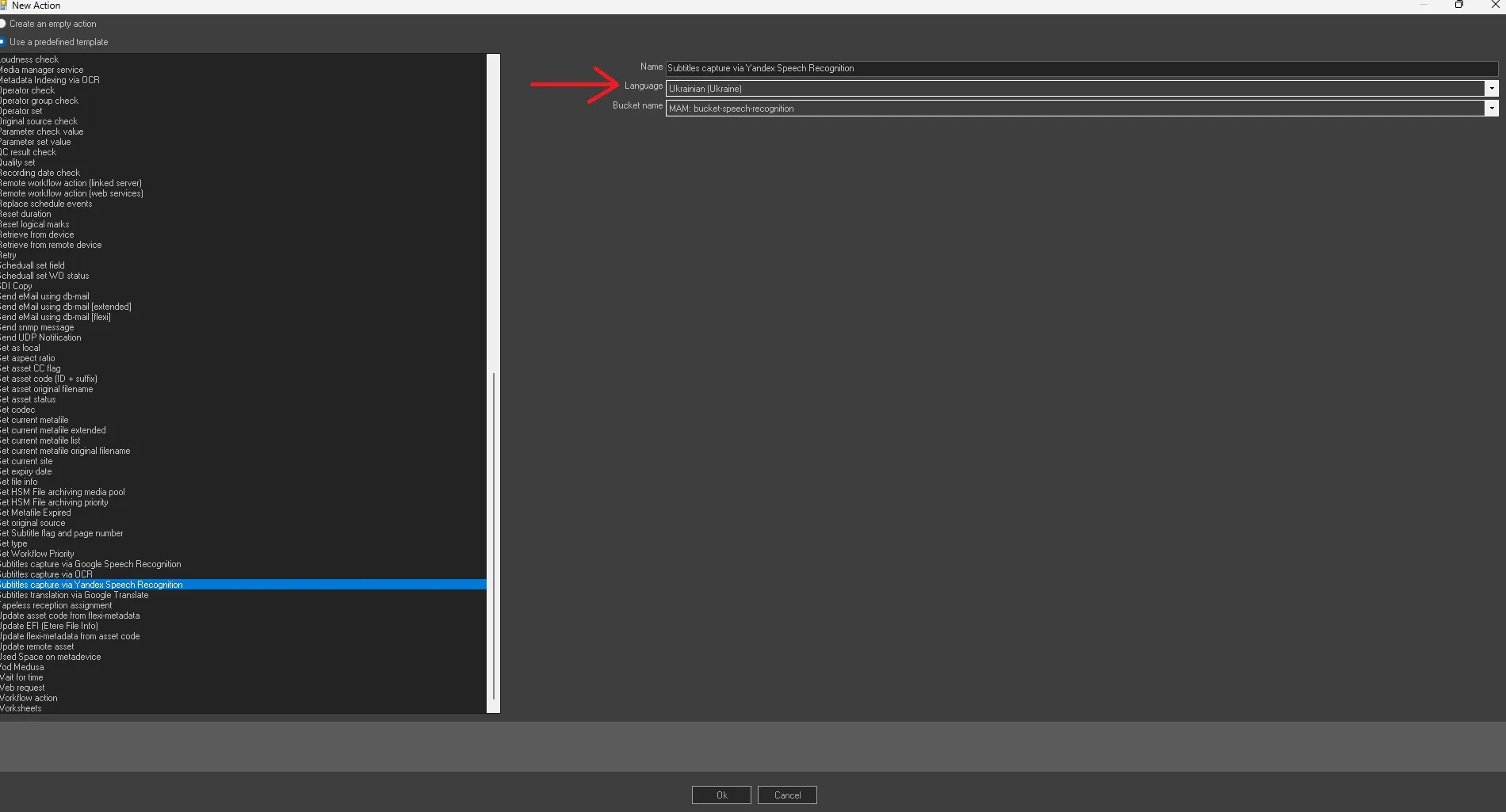 language_selected
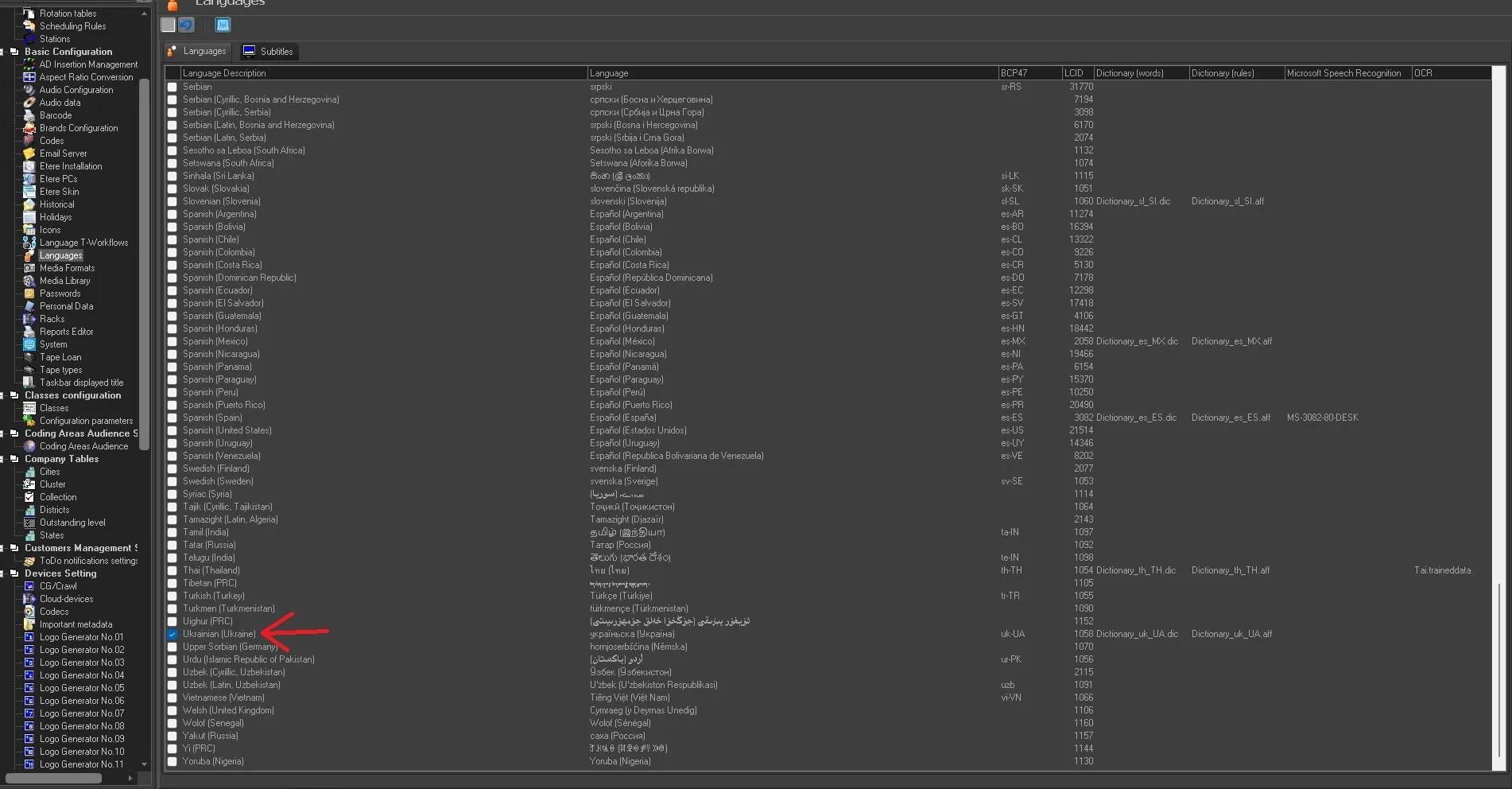 Languages
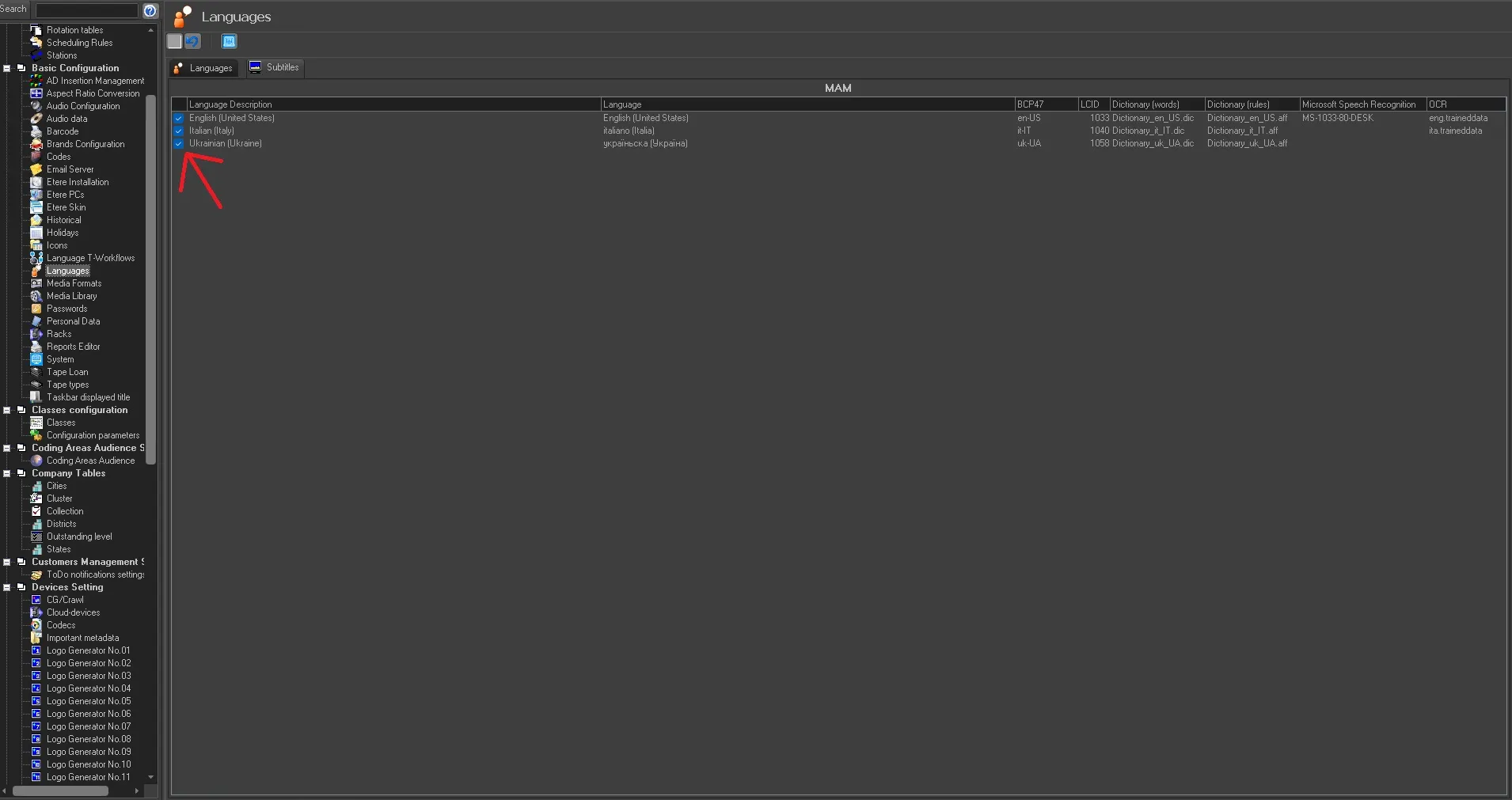 Subtitles
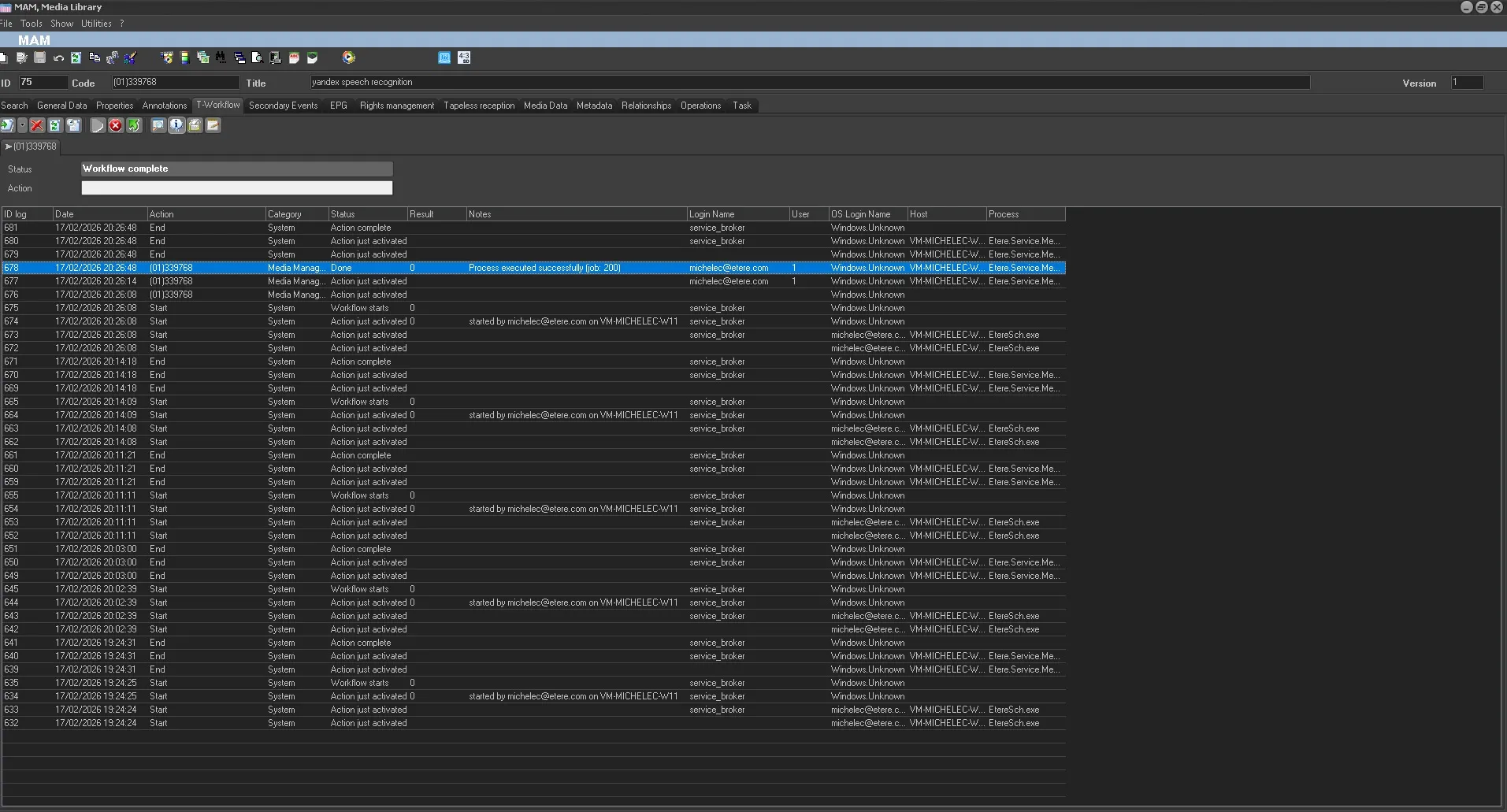 Action
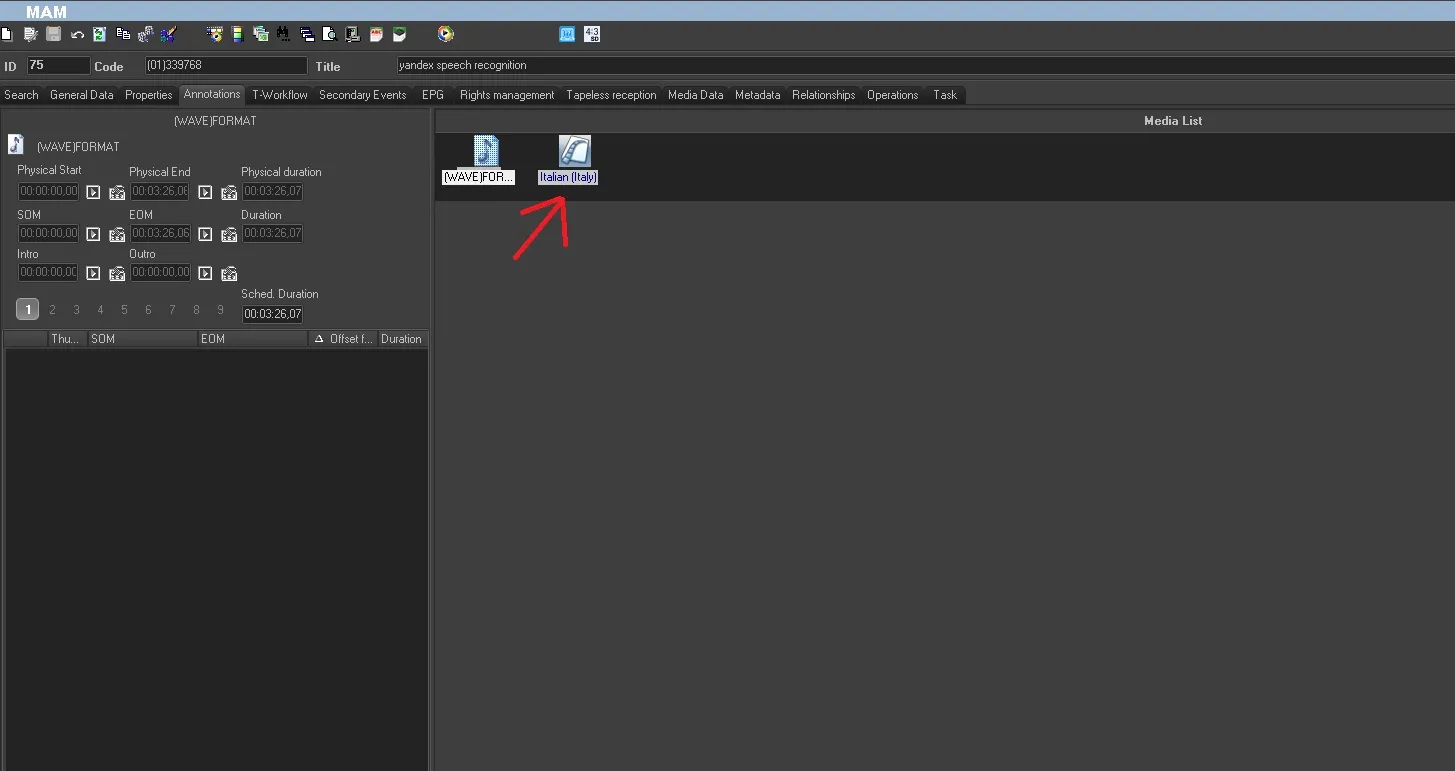 link
link
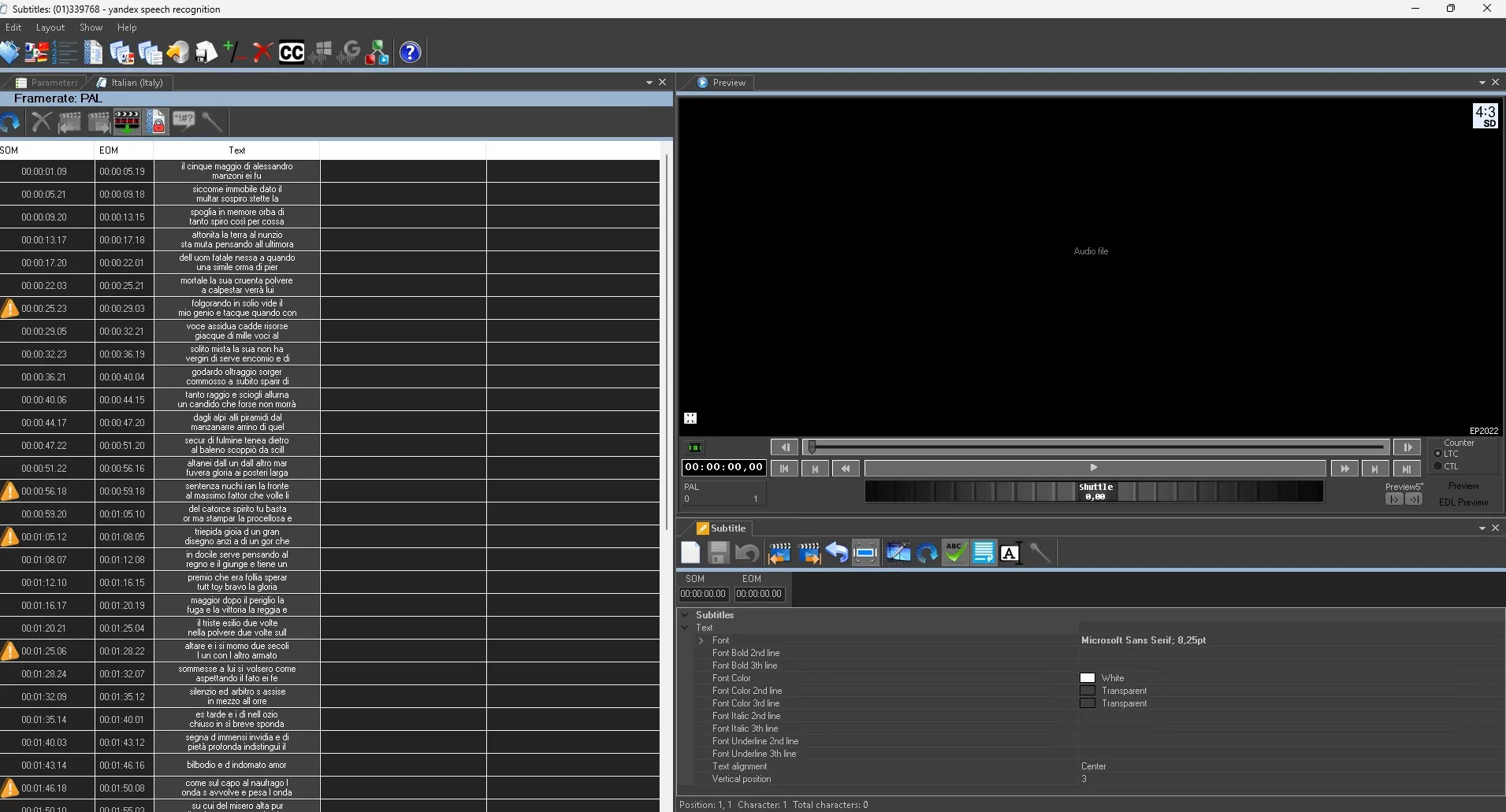 Result