1.1.3.4 Reserved Area
The Reserved Area, Etere's platform for customers, allows users to view updates, create incidents, and access essential information about Etere's software. The Reserved Area is also referred to as the Customer Area.
To access it, enter https://www.etere.com in your internet browser to open the Etere's home page. From the home page, click on the Login button, in the top-right corner of the web page.
Alternatively, insert https://www.etere.com/reserved in your browser and press Enter.
How to sign in to your account
After the webpage fully loads, you can sign in to your Etere account. To do so, follow these steps:
1. Enter your credentials in those fields:
• Username: type your customer code provided by Etere to communicate with the Support team;
• Password: type your Password.
Remember me: Select the check box to save your credentials in your browser settings.
2. Click Login >> to sign in.
Note: If you have lost your password, insert your customer code and click Send Pwd >> to receive a one-time-use-only password by e-mail. If you still experience any problems, please contact us at support@etere.com. Remember that, to access this area, you must have cookies enabled in your browser.
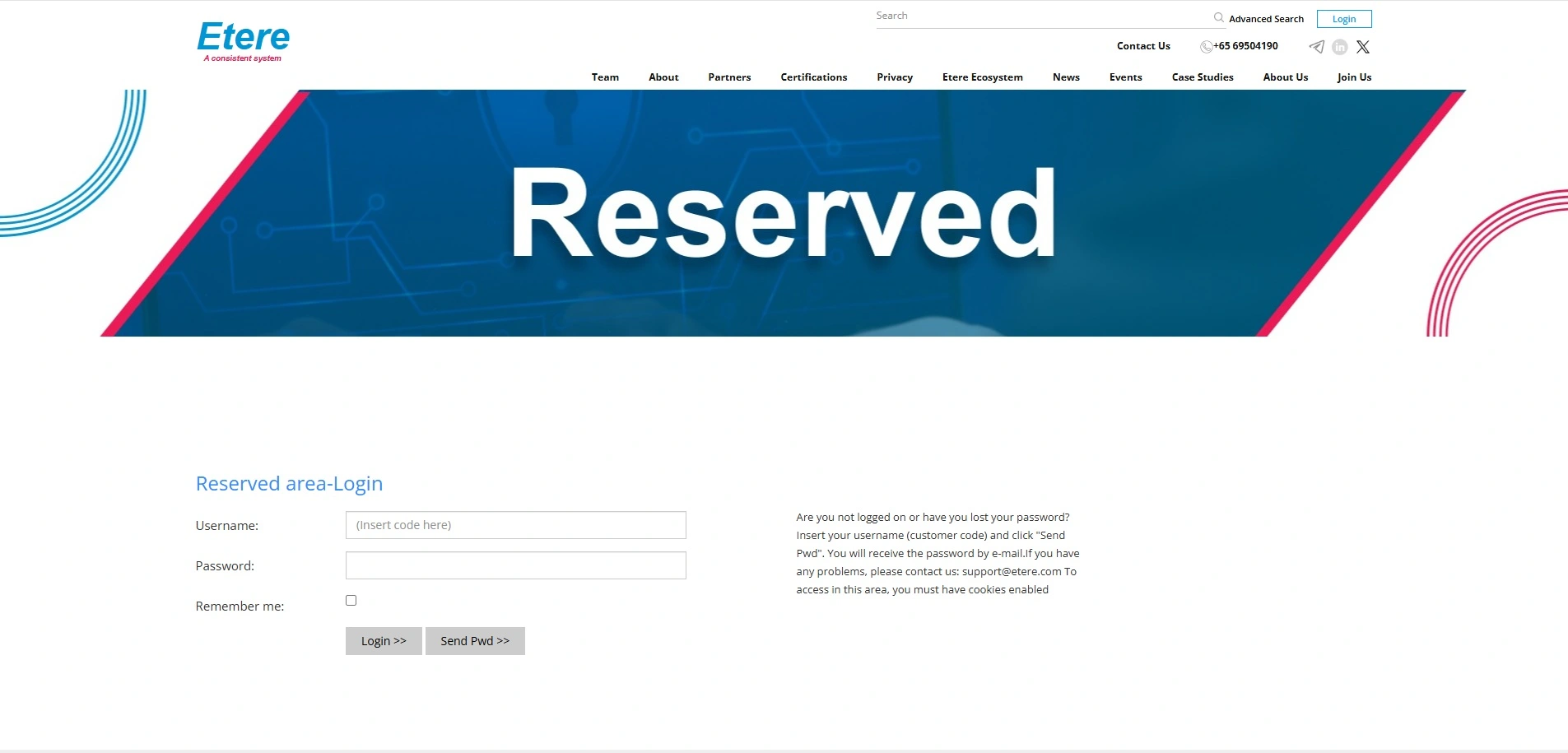 reservedarea_2025
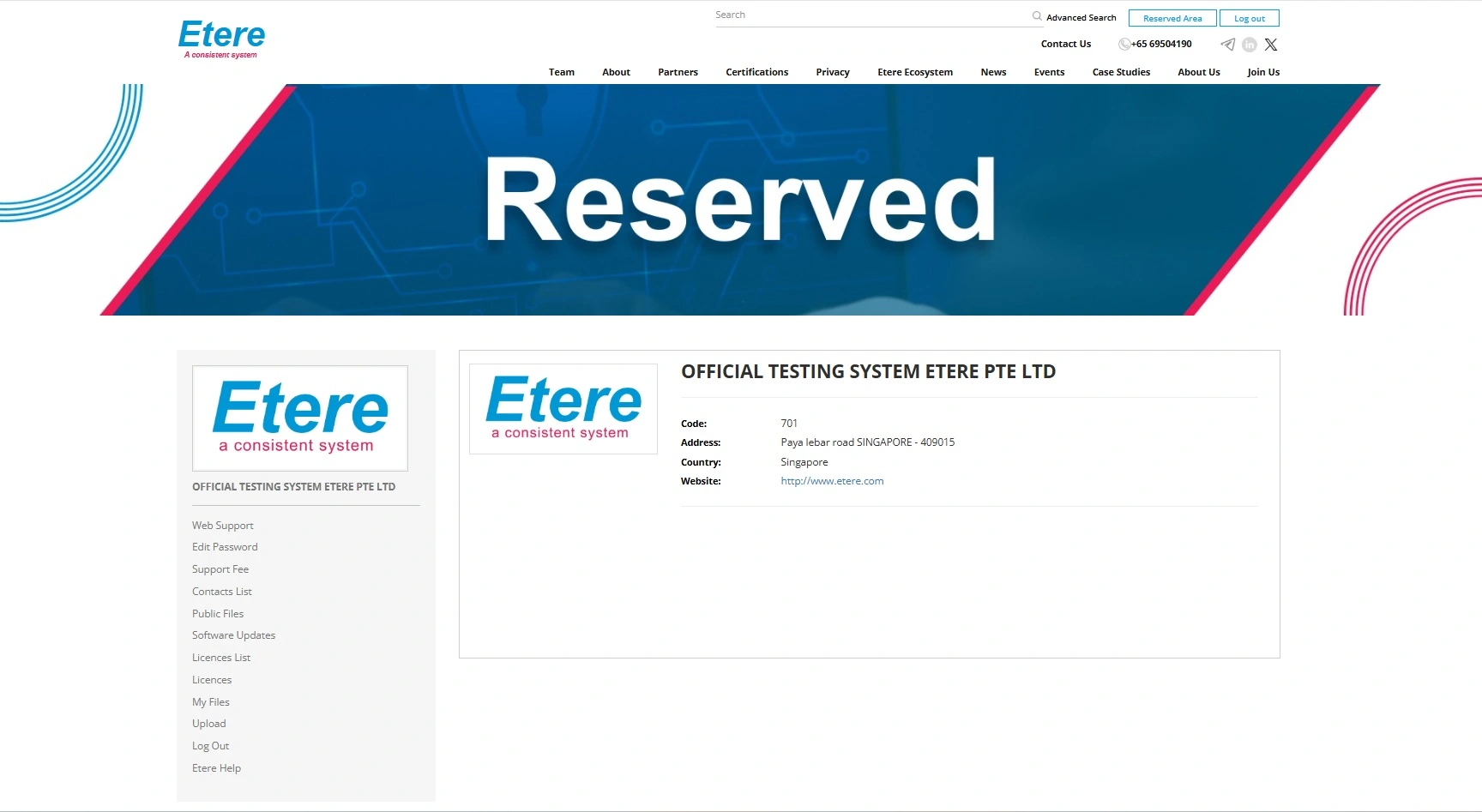 reservedarea_loggedin_2025