77.1.3 Search Asset
Instead of creating a new asset, Etere Multichannel Ingest allows to select an existing asset, performing a search in the database. Here are the available filters:
Search_Asset
• ID: Search asset by its asset ID.
• Full-text: Enter a keyword to perform a full-text search within the fields code and title of the assets in the database.
• Ingest date: Narrow the search by selecting an ingest date, or select "All" to include all dates.
Next, click the <Search> button, or press the Enter key to start searching the asset.
If no asset is found, click the <Start> button to return to the Search Asset view.
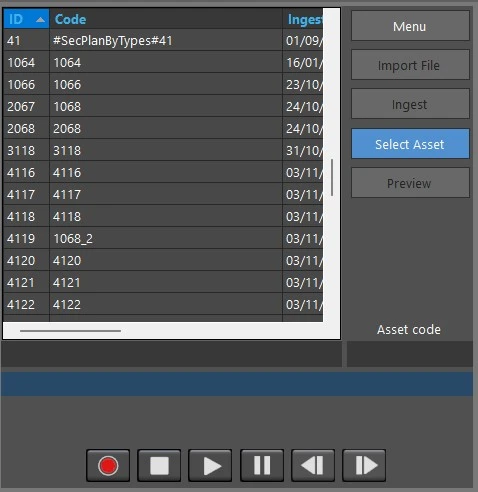
In the search results, the displayed asset information are: Asset ID, Asset Code, Ingest date, duration, title, codec, last modify date and time and cloud-device (in case of assets already recorded).
File_name
The asset file name and asset path would not be displayed.
Select the asset and double-click it to load it in the form.
If the asset has no metafile, the module will inform the user and ask a confirmation to record it.
In case the asset has one or more metafiles, the application won't allow the recording, it will be only possible to preview it.
The <Select Asset> button allows to list again the assets resulted from the Search.
 file_name