ActiveSync service
51.3.1 Parameters Set Up
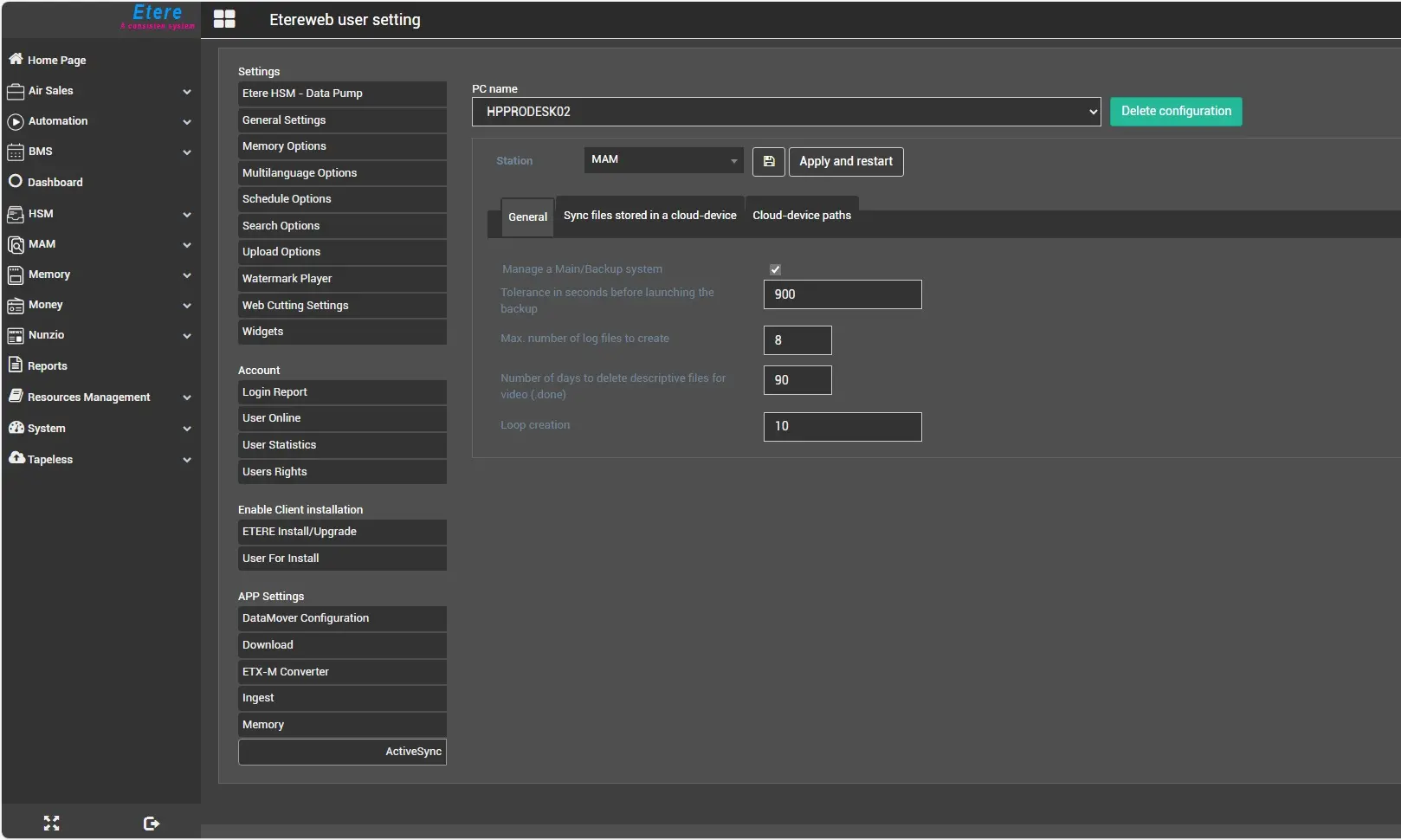
Set the parameters and criteria for synchronizing assets and files under Etere Web -> System -> App settings -> ActiveSync section.
Before starting the configuration, select the PC where the service being configured is installed. Select it from the droplist labelled PC name.
The configuration for a specific workstation can be deleted by clicking the button Delete configuration. Every parameter will be reset to its default value, and all the paths' configurations will be deleted.
8939_AS_serv_settings.jpg
In the next chapters are described the various parameters inside the configuration sections.
 AS_serv_settings