8.5 Etere HSM - Data Pump
Data Pump service allows the user to set tape drives through data pumps from Etere web in a similar way to its Desktop counterpart.
In order to use a tape drive with Data Pump service in Etere HSM, it should be configured as follows:
- Select ‘service hsm datapump controller’ in Etere Install and set the log on with a domain user having permission to connect to SQL and manage machine devices as tape drivers.
- Set the Drive Tape Resource
Before starting the configuration of Etere Data Pump, its cache needs to be configured.
The cache is a folder within the Etere Data Pump server that used to archive files in case the source/destination is a remote path. The purpose of a cache is to ensure the writing/reading speed of the tape drive is aligned with the network transfer-speed. The cache can be configured in the following ways, both of them will create a metadevice within the system:
•Using the 'HSM cache' property of the Etere PC where Etere Data Pump is installed.
•Creates a dedicated 'Generic Server Storage' for the HSM Cache.
Operation of HSM DataPump Service
HSM DataPump Service reads the list of Dataumps configured on the local machine, and starts a DataPump process for each one.
It cyclically checks if each process is running, and if necessary, restarts the ones that are not running.
Closing the service causes the shutdown of DataPump processes started by service, each DataPump will close only at the end of its current operations.
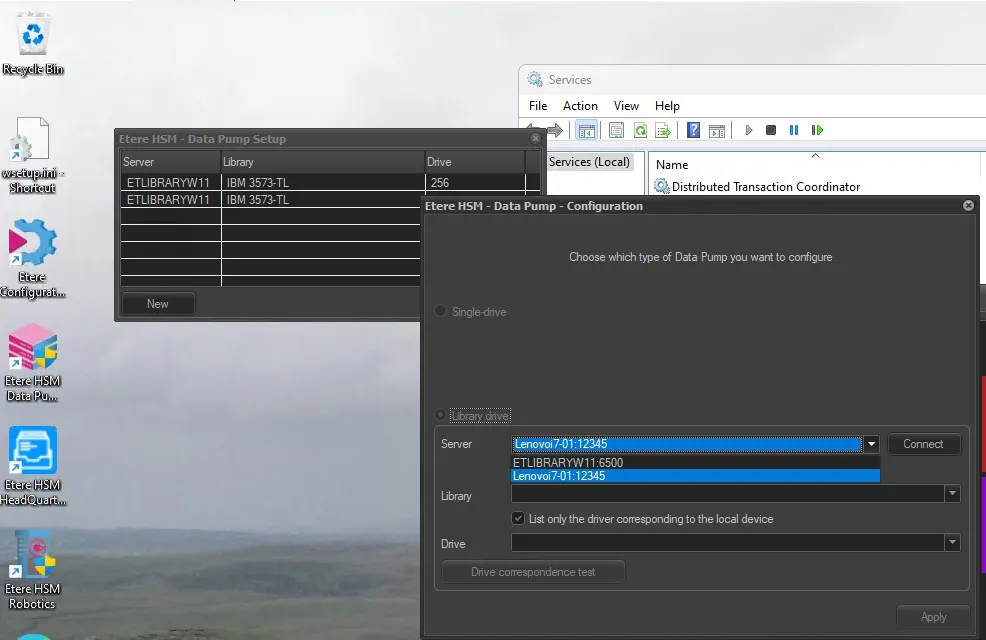 data_pump_setup
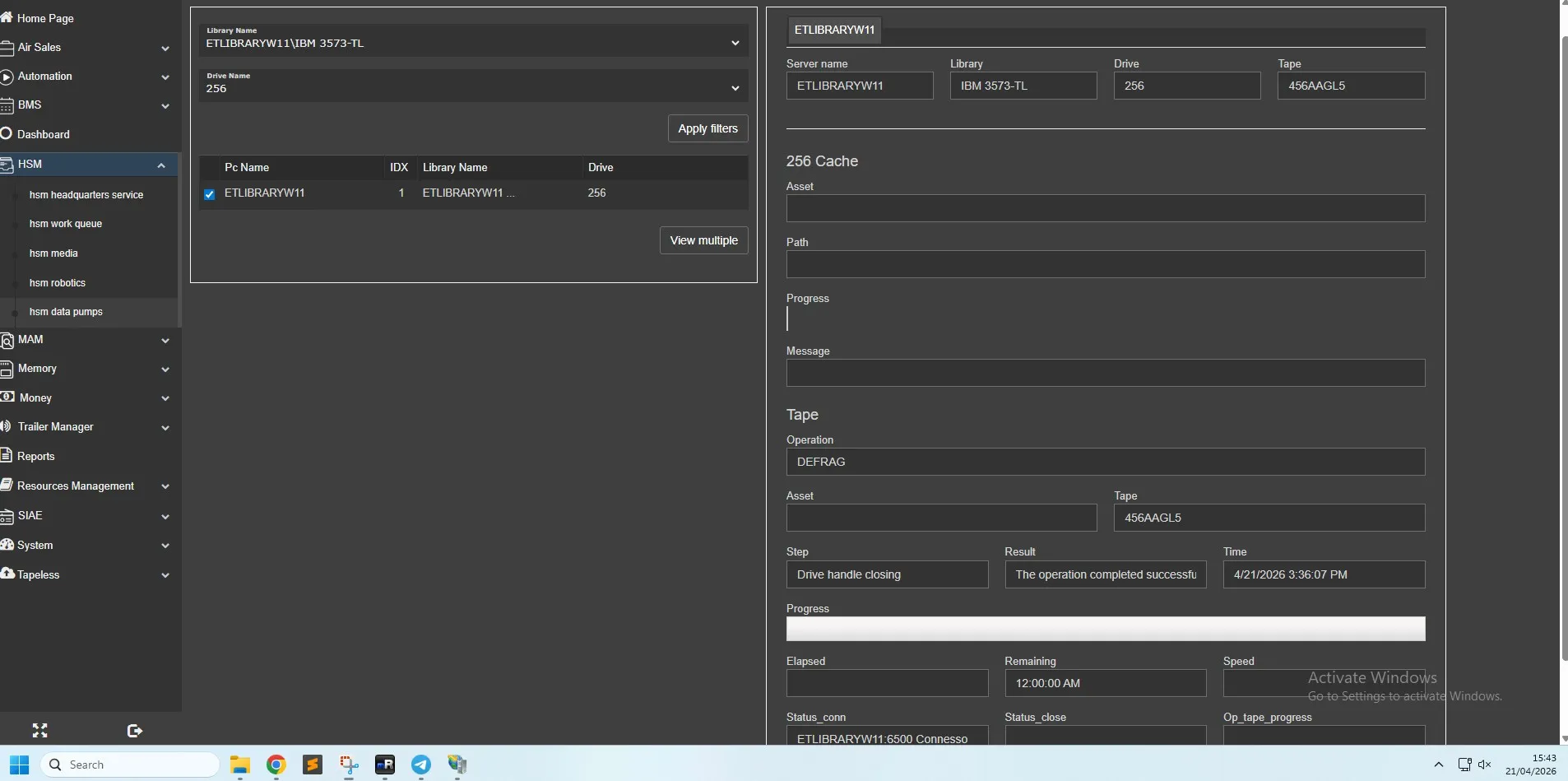 hsm_data_pump
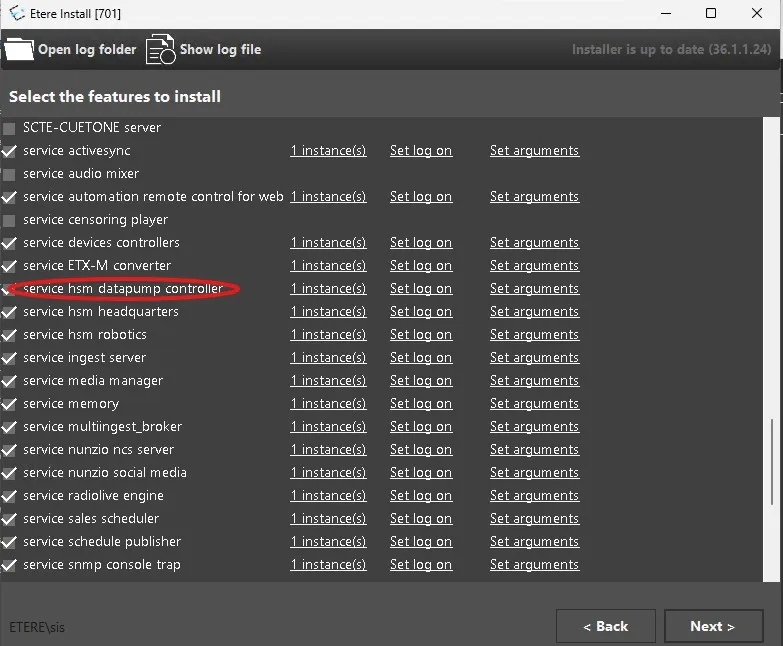 data_pump_service