79.4.8.18 Bulk Video Files Import with Drag and Drop
In Etere Nunzio Stories is possible to import multiple video files at once, directly into any given story's body.
This would allows Journalist and Newsroom operators to easily create content for any Etere Nunzio Story; this approach would allows them to import on the fly, any video content unavailable into Etere Ecosystem, into any Nunzio Story.
Once the import is done, from Etere Nunzio interface a new TAB would eventually appear, providing all the related Features of Etere Story Creator, in order to allows the Newsroom operator to easily trim the imported video content.
Is it even possible to assign any workflow to the given operation in order to let the material to be processed by Etere.
In order to start using the given feature, we need to perform some changes in the Etere Nunzio Stories Settings:
- In the Nunzio Story Settings select the path where to import the video content, and the related codec. These parameters are needed to copy the file to the destination folder and create the metafile;
destination_path_codec
- open up any Nunzio Story and set it in Edit Mode;
story_body_before_import
- start the import procedure by Drag and Drop files into Etere Nunzio Story's Body.
If the import procedure proved to be successfully, Etere would perform the following operations behind the hood:
- An asset will be created for each file.
- A Metafile will be linked to the asset.
- A Project will be created with all assets
- during the import procedure is possible to check all the related operations by relying on the given GUI. From there is possible to ABORT or RESTART the import. Furthermore, if there are errors appearing, the system would resume them in the same form:
import_logs
import_log_abort
- at the end of the import, Etere Story Creator would eventually appear in a brand new TAB, allowing newsroom operators to easily trim anything from there;
etere_story_creator
- if the import procedure complete successfully, the related Default T-Wrokflow would eventually start for each imported file. Keep in mind that in order to start it Automatically, we may need to set it under:
Etere Configuration > Configuration Editor > T-Workflow > Default T-Workflows
default_t_workflow
- furthermore, is even possible to set/edit Flexy-Metadata for the given project:
flexi_from_toolbar
and as well for the imported items;
flexi_from_timeline
- InVideo\Todaynode is possible to easily find the imported video files. These files can be dragged individually into other stories or projects. The Default Title of these file is: “title of the story” + (“incremental number“ + “file name”);
video_node_edl
- Using Flexi-metadata function you can also rename the title
story_body_during_import
story_body_after_import
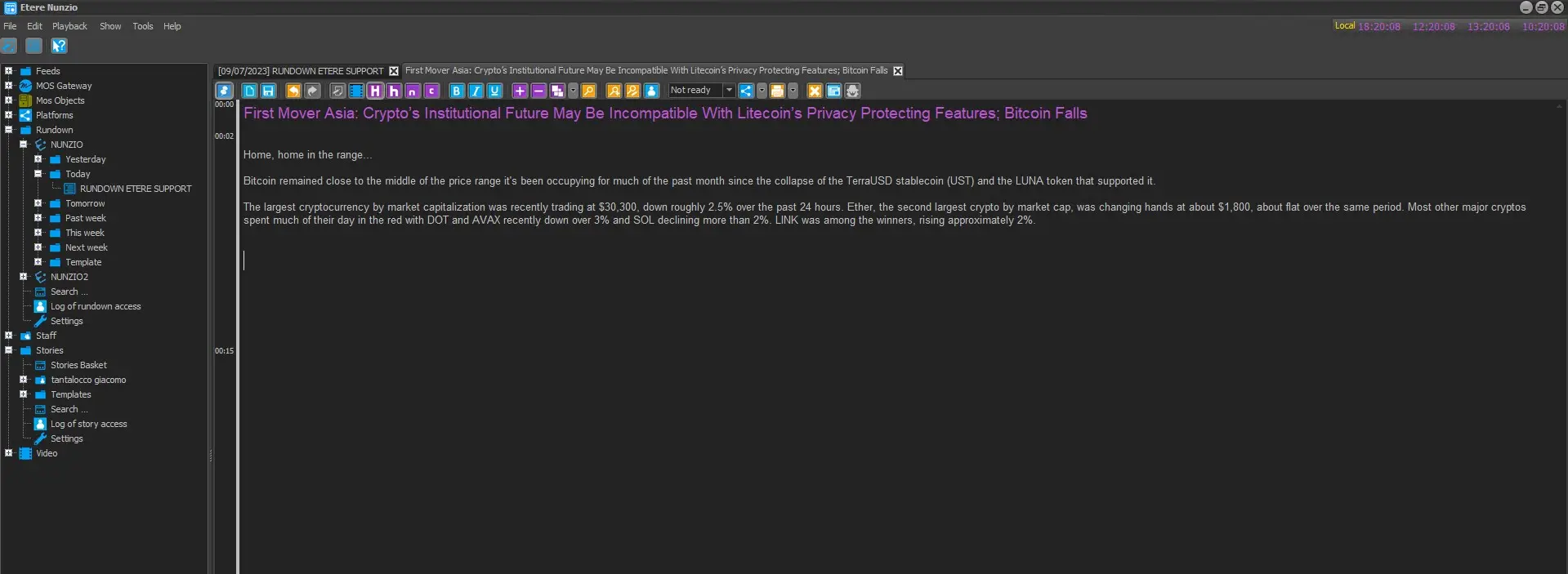 story_body_before_import
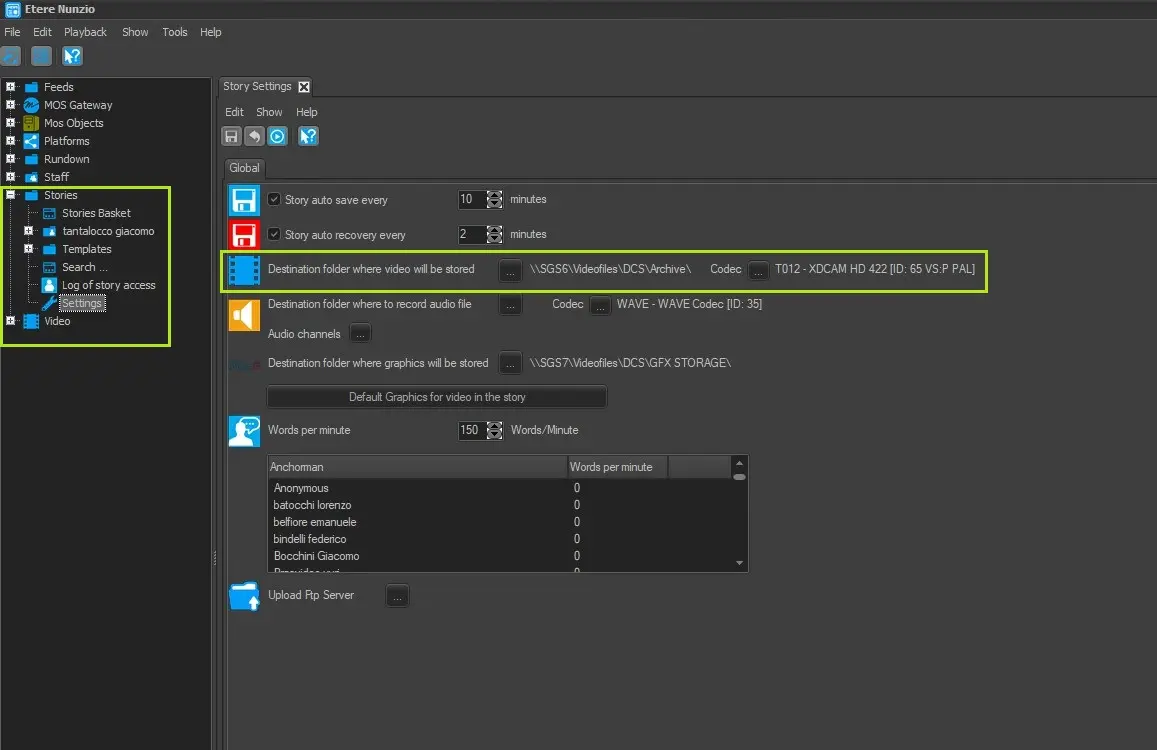 destination_path_codec
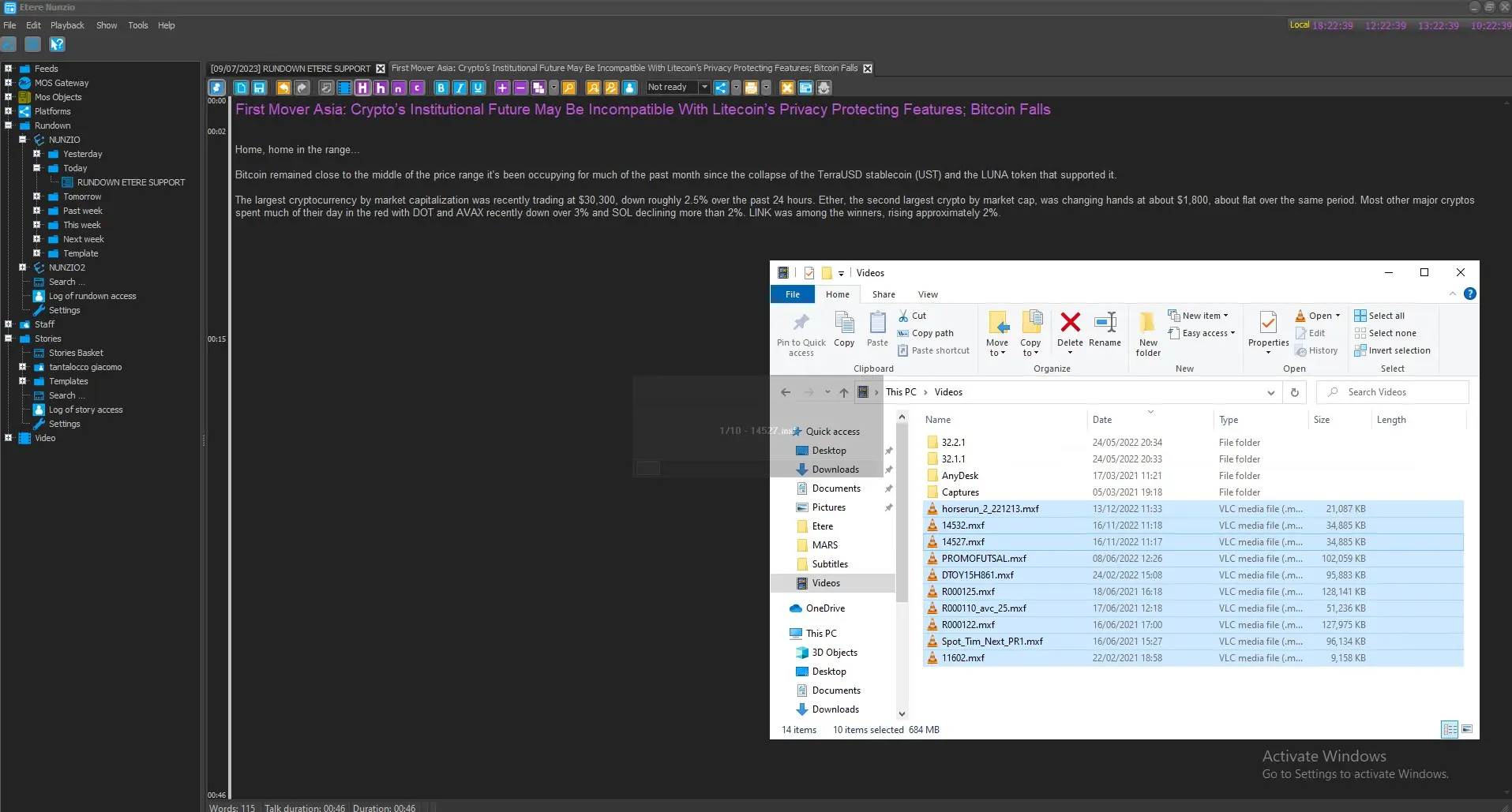 story_body_during_import
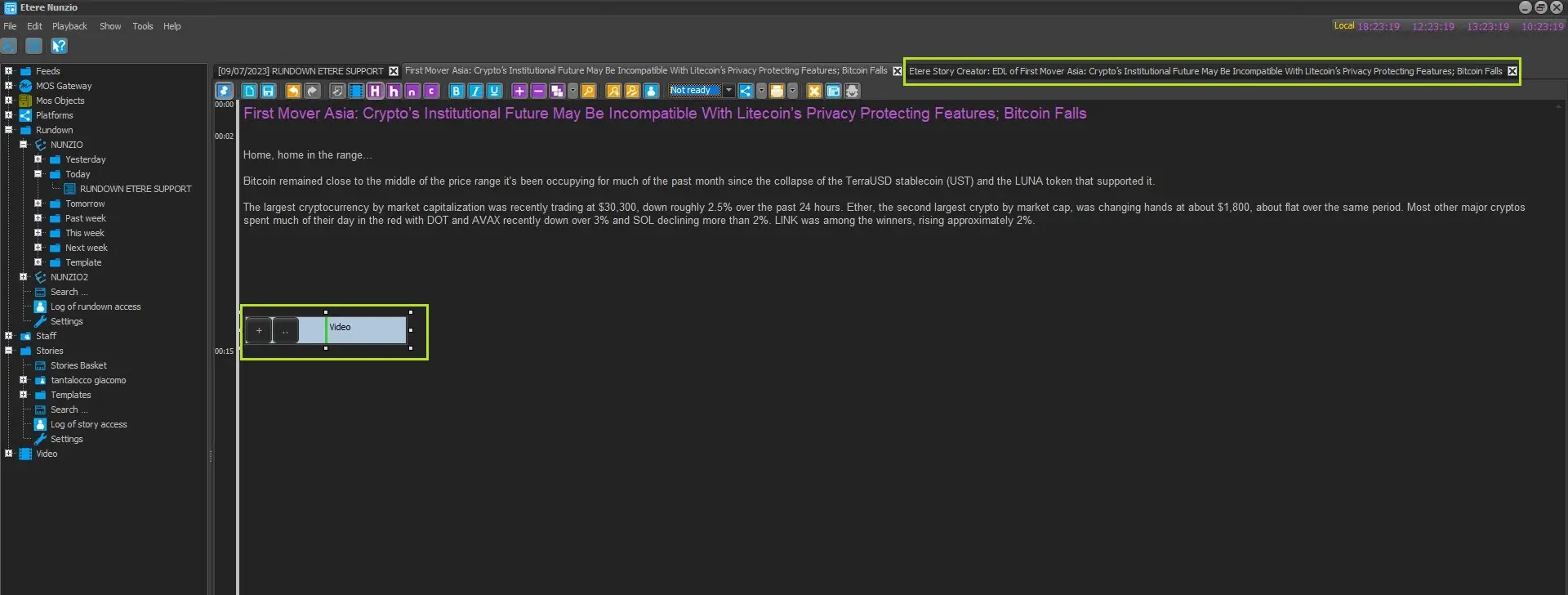 story_body_after_import
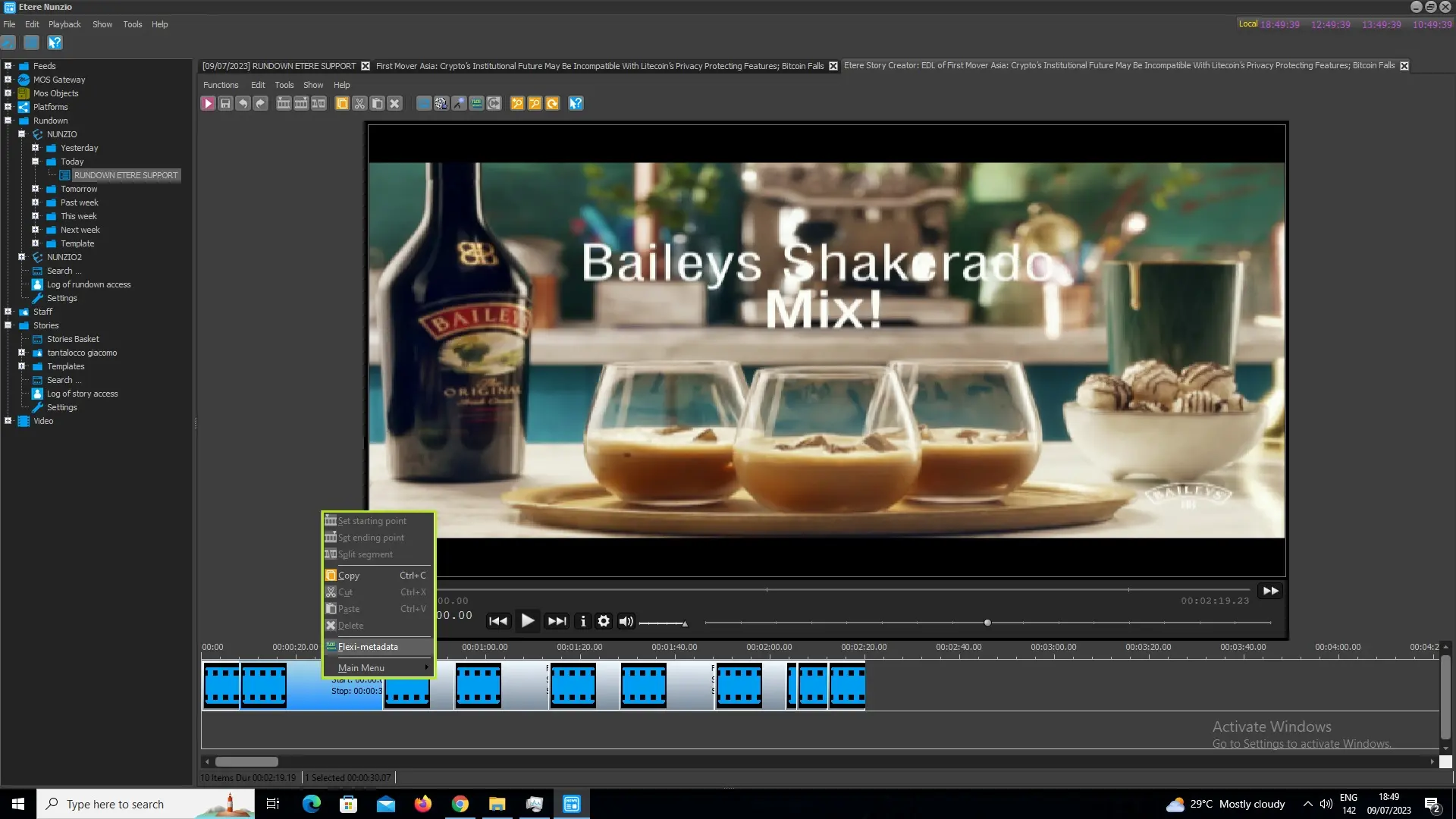 flexi_from_timeline
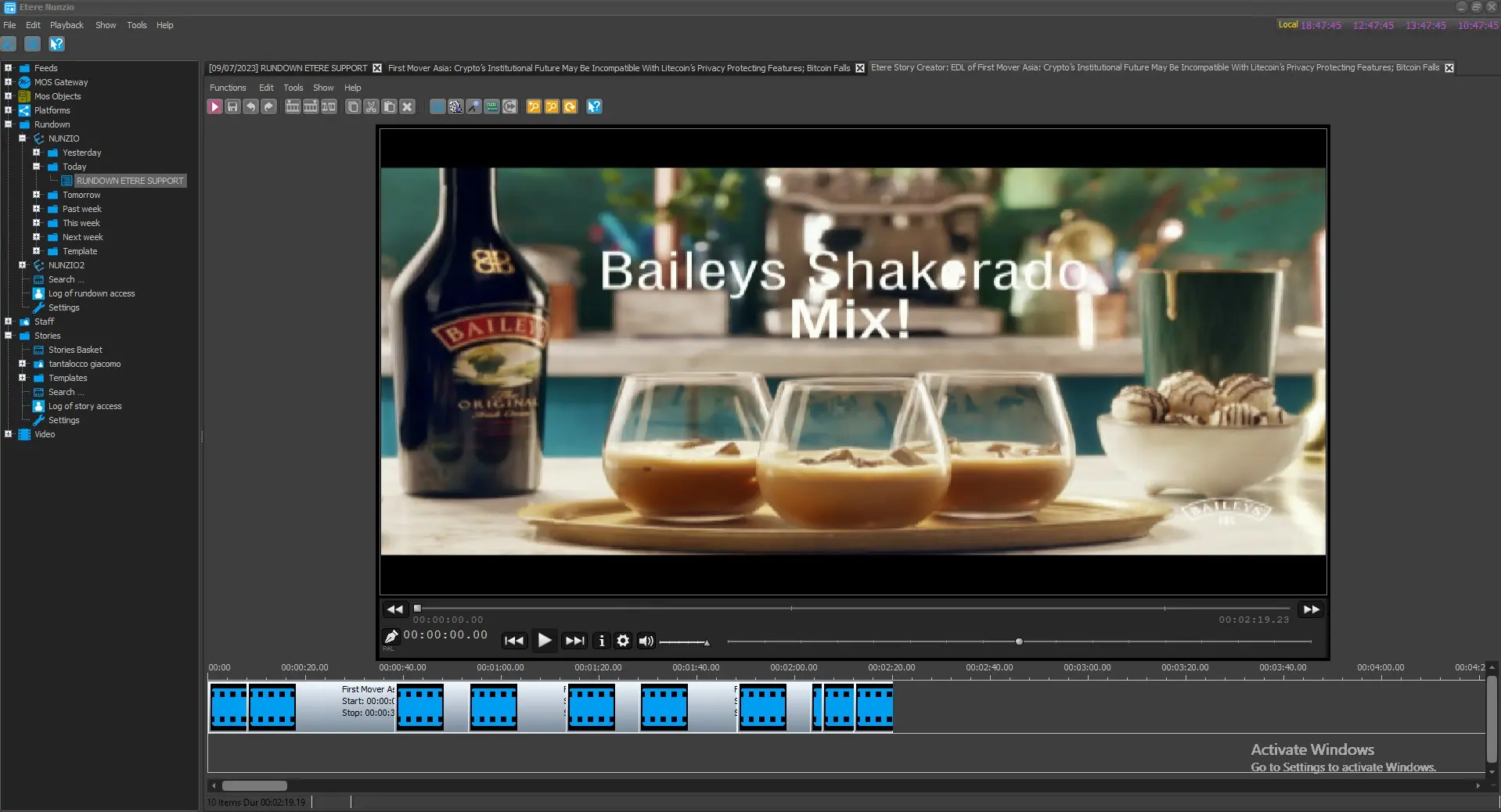 etere_story_creator
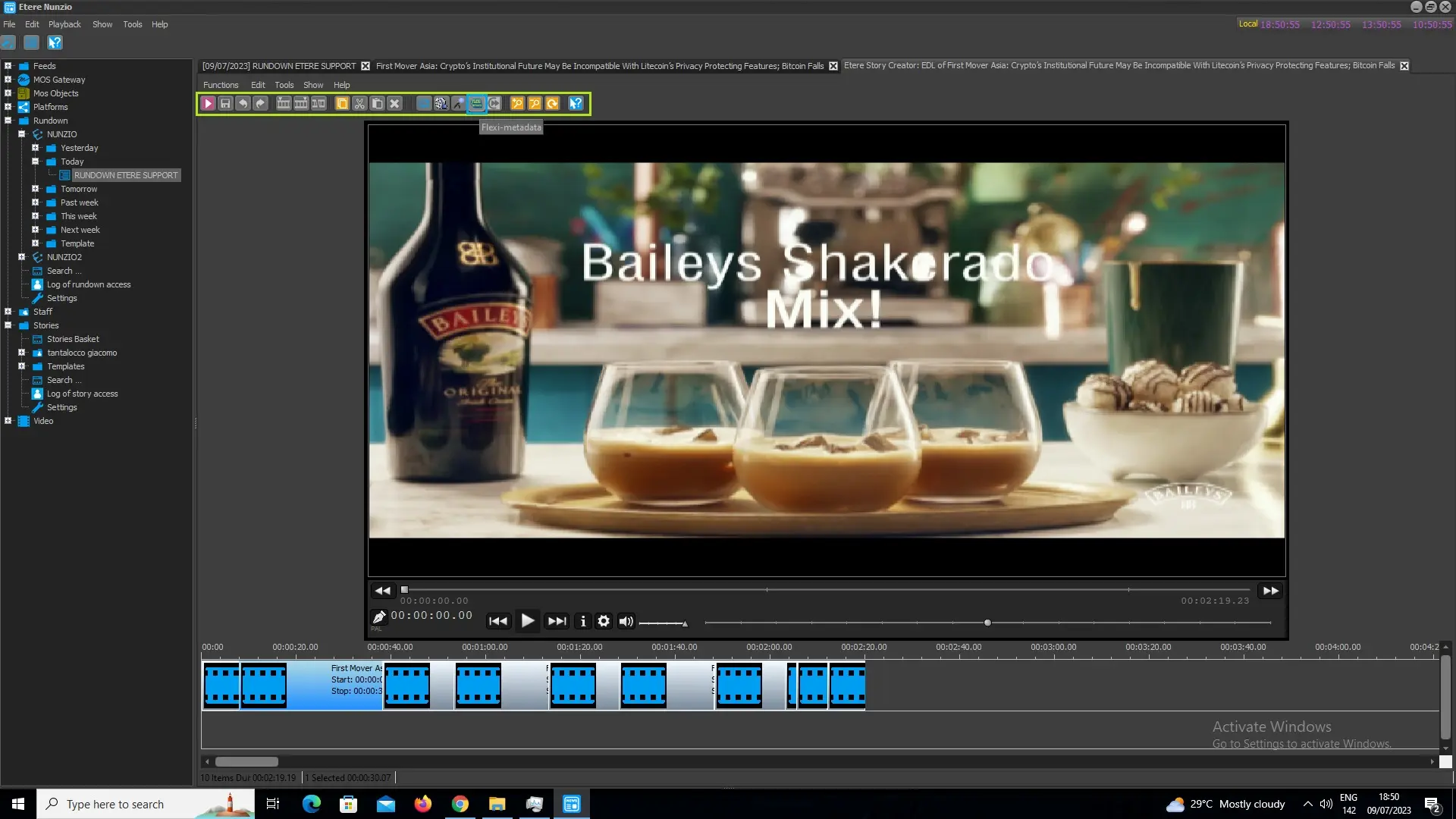 flexi_from_toolbar
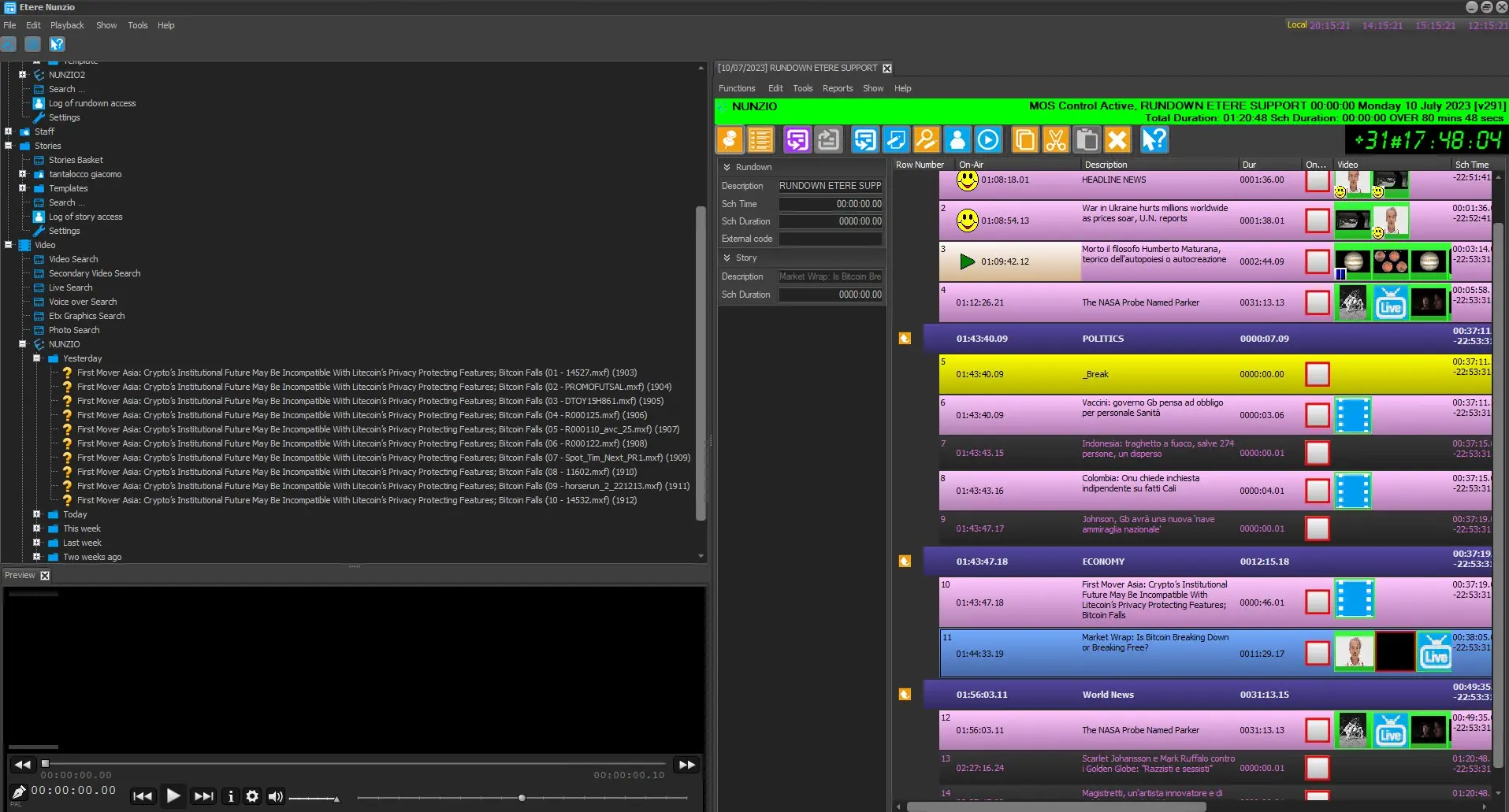 video_node_edl
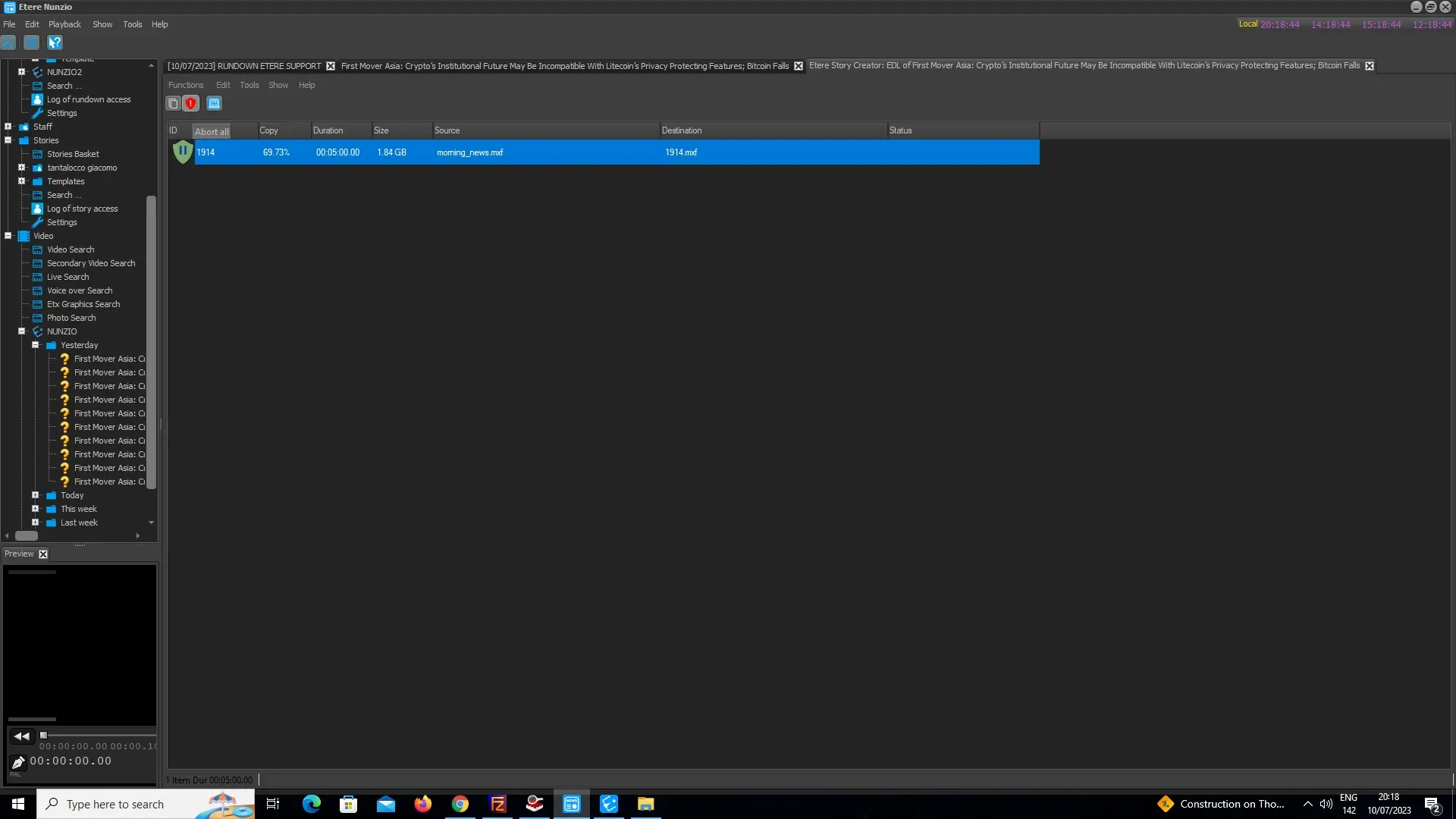 import_log_abort
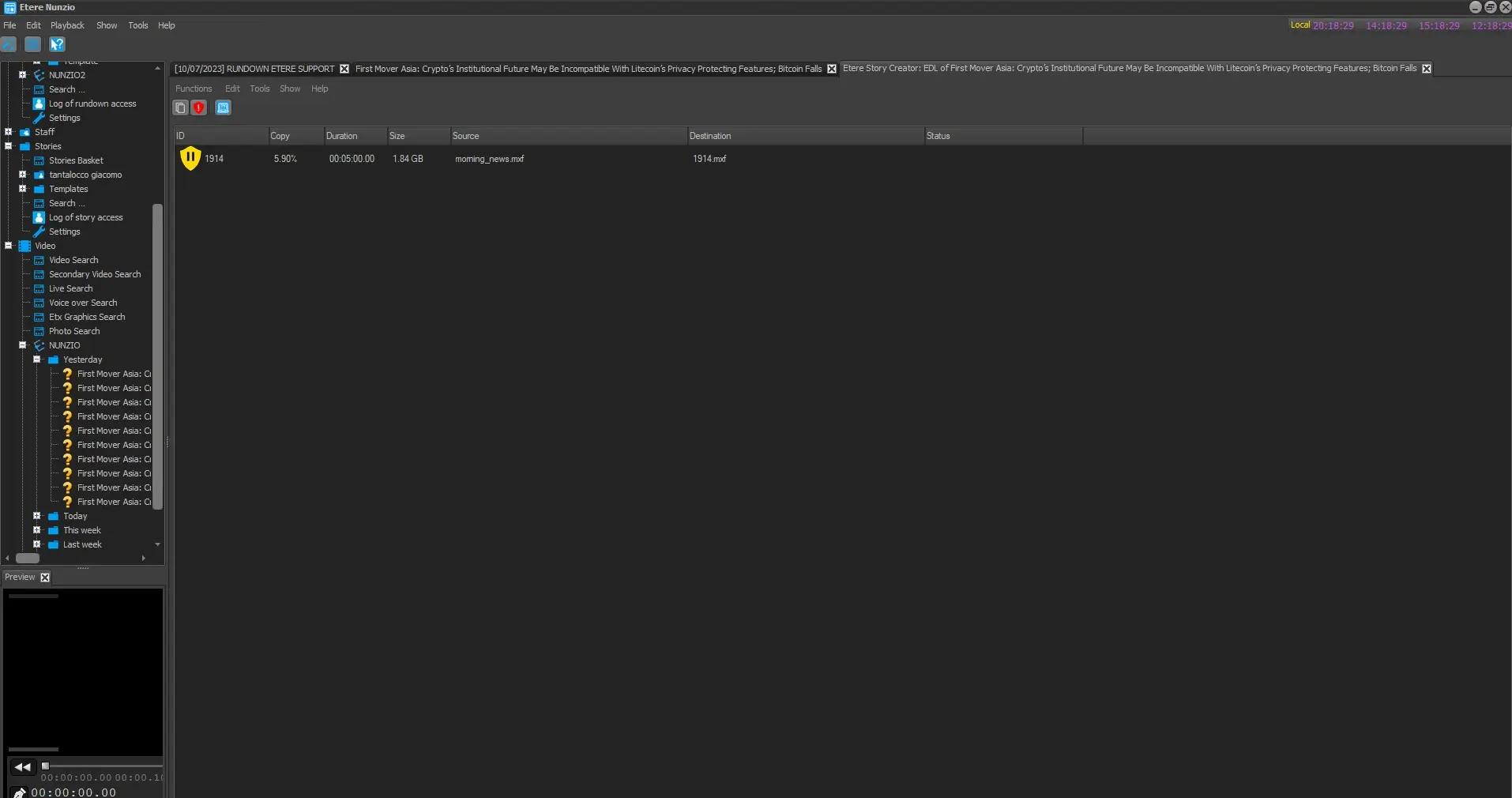 import_logs
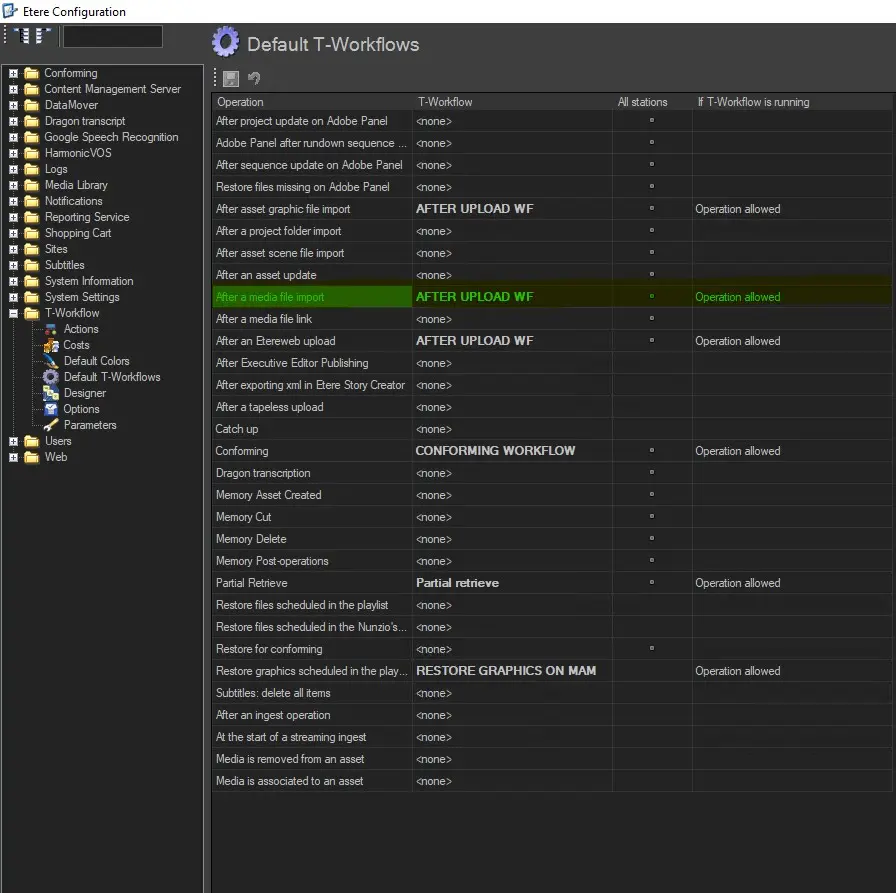 default_t_workflow