VOD
6.3.1 VOD Active List
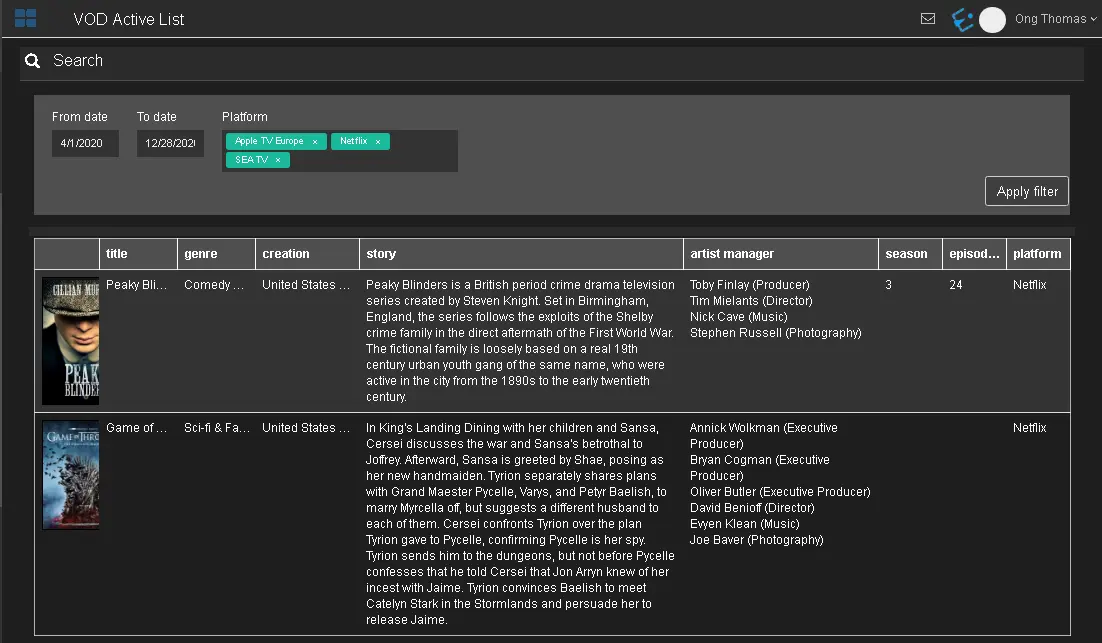
The VOD Active List searches events within the specific period, from the selected platforms.
VOD_Active_List
• From date - To date: Indicate the date range to filter the events.
• Platform: Select one or more platform templates specified in the contract which the events are associated to.
Once the filters are confirmed, click Apply filter to extract the active VOD events. The type of the filtered VOD events refers to the asset Type specified in the Main Data tab in the VOD contract.
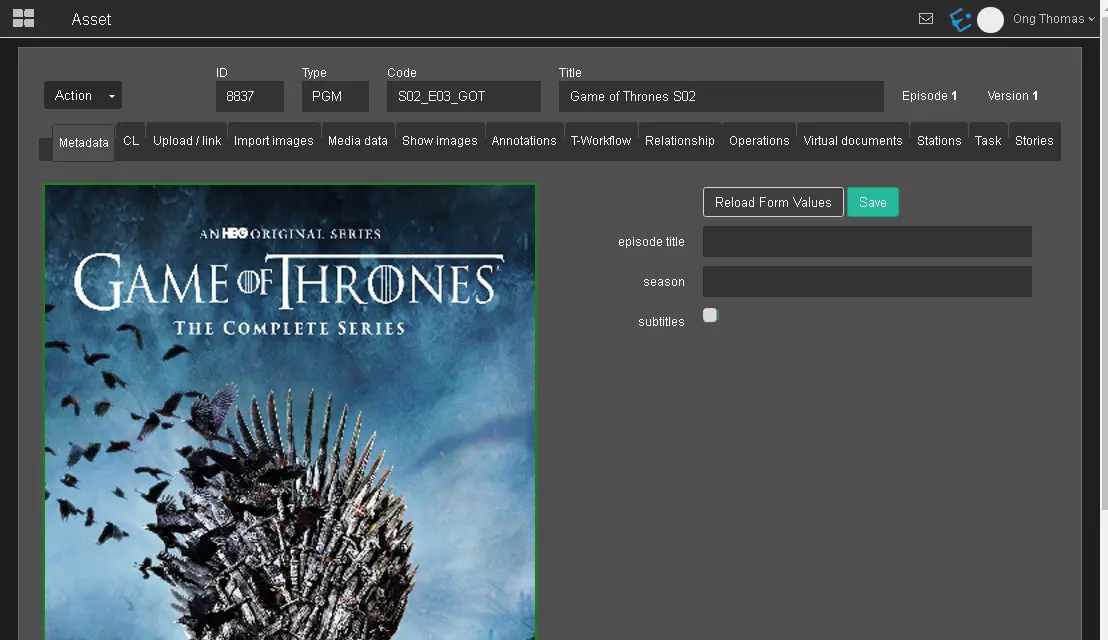
You can click on the thumbnail to access the asset properties.
active_VOD_events
 VOD_Active_List
 active_VOD_events