Media Asset Management
59.2.43.24 Keys
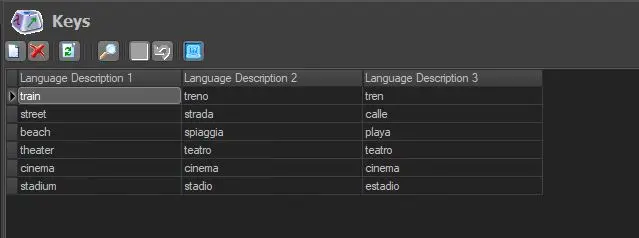
The Keys section allows configuring keywords that Etere MAM will use to catalogue media content. Once created, keys can be grouped into a common keyboard (see keyboards section) to enhance the metadata insertion.
Keys
Keys can be enabled on assets from the Keys\Keyboards tab:
enable_Keys
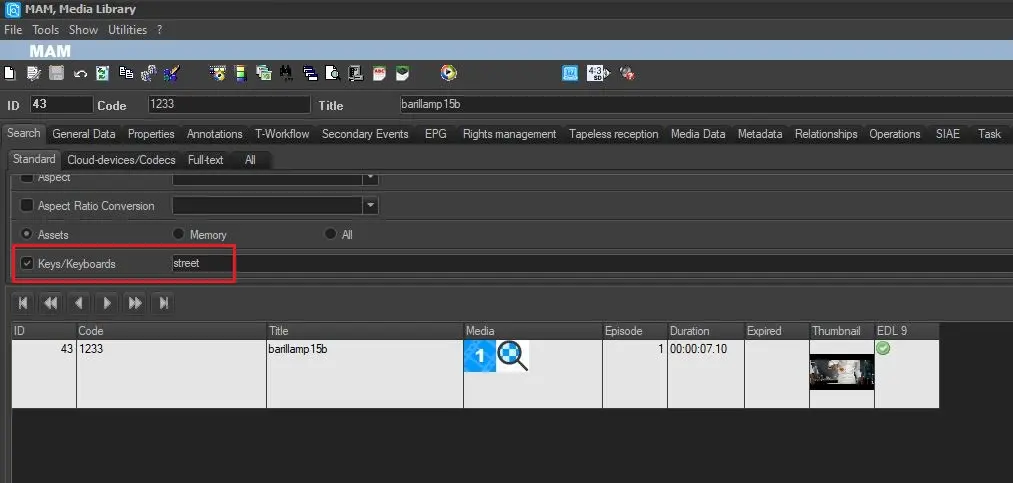
Using the Keys\Keyboards filter on asset search, all the assets with the previously enabled key will be retrieved.
Keys_filter
Keys_filter
Note: From Etere version 36.1.169.9263, this section has been removed. It has been moved in Etereweb, see chapter 15.6.0.0 Keys/Keyboards.
 Keys
Keys
 enable_Keys
 Keys_filter