69.2.6 Operations by WebService
The "Operations by WebService" tab shows the imports generated by the Web Services. All requests can be sorted by date range, by user name, or by requests to be processed.
Operations by WebService
In the "Import Data > Configure" tab, enable the option "From WebService" to import only files coming via web API.
The import file is created in the path indicated in the parameters. After import, the file will be renamed to 'file_name.oldxxxx.'
Import Data - Configure
Once import completed, if there are other requests in the queue with the "From WebService" checkbox checked, the F90 module would impose a 10 seconds interval loop to search for next file to import. The processed requests could be found in the "Processing Date" column with date and time of the request been processed, and the import status can be found in the "Result" column.
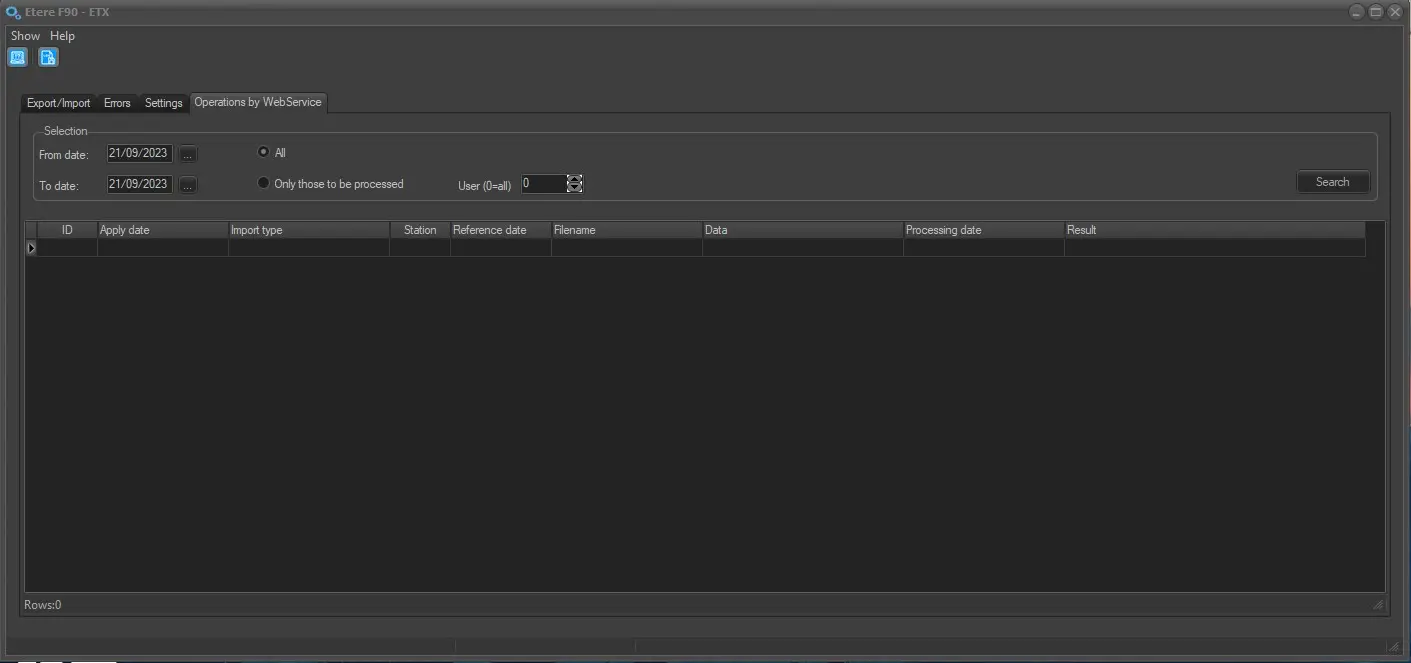 Operations_by_WebService
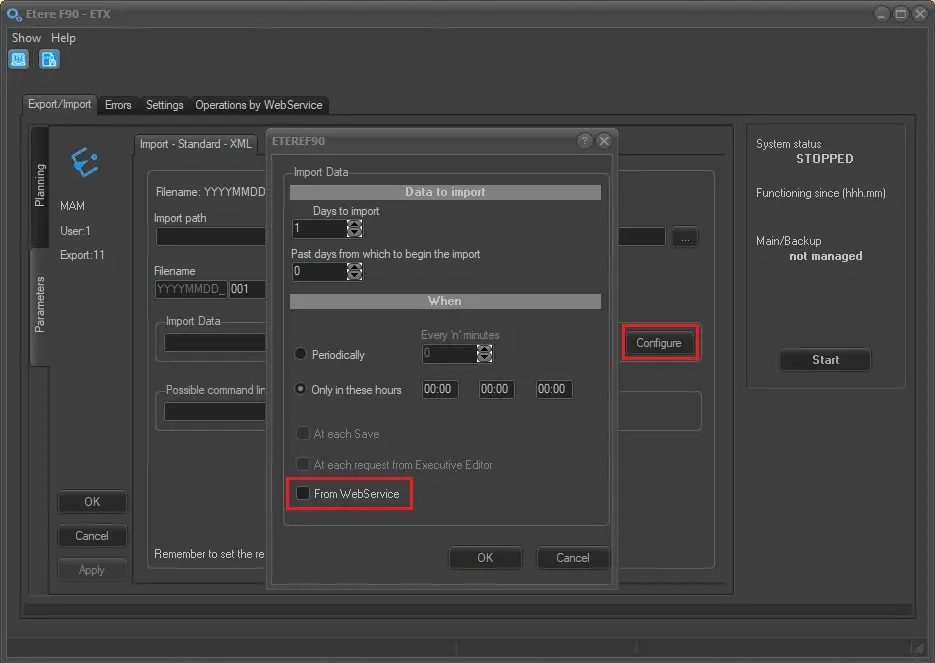 Import_Data_-_Configure