15.16.1.1 Banks
Use this section to manage the list of banks associated with agencies, media centres, stations, and other entities.
To add a new bank, click the "+" button on the top-right side of the page and enter the required bank information, including the code, description, address, postal code, city, SWIFT code, bank code, and branch code.
Field Descriptions
ID: Automatically assigned by the system when the bank is created. This value cannot be modified.
Code: Unique code used to identify the bank within the system. This value cannot be modified after the bank has been created.
Description: A short description or name of the bank.
Address: The bank's street address.
Postal Code: The postal or ZIP code of the bank's location.
City: The city where the bank is located.
Bank Code: The official bank identification code (ABI).
Branch Code: The official code identifying the bank branch (CAB).
SWIFT Code: The Bank Identifier Code (BIC) used to uniquely identify the bank in international transactions. The code must contain either 8 or 11 characters.
Searching for Banks
Use the search box at the top of the page and the "Apply filter" button to find banks by their description.
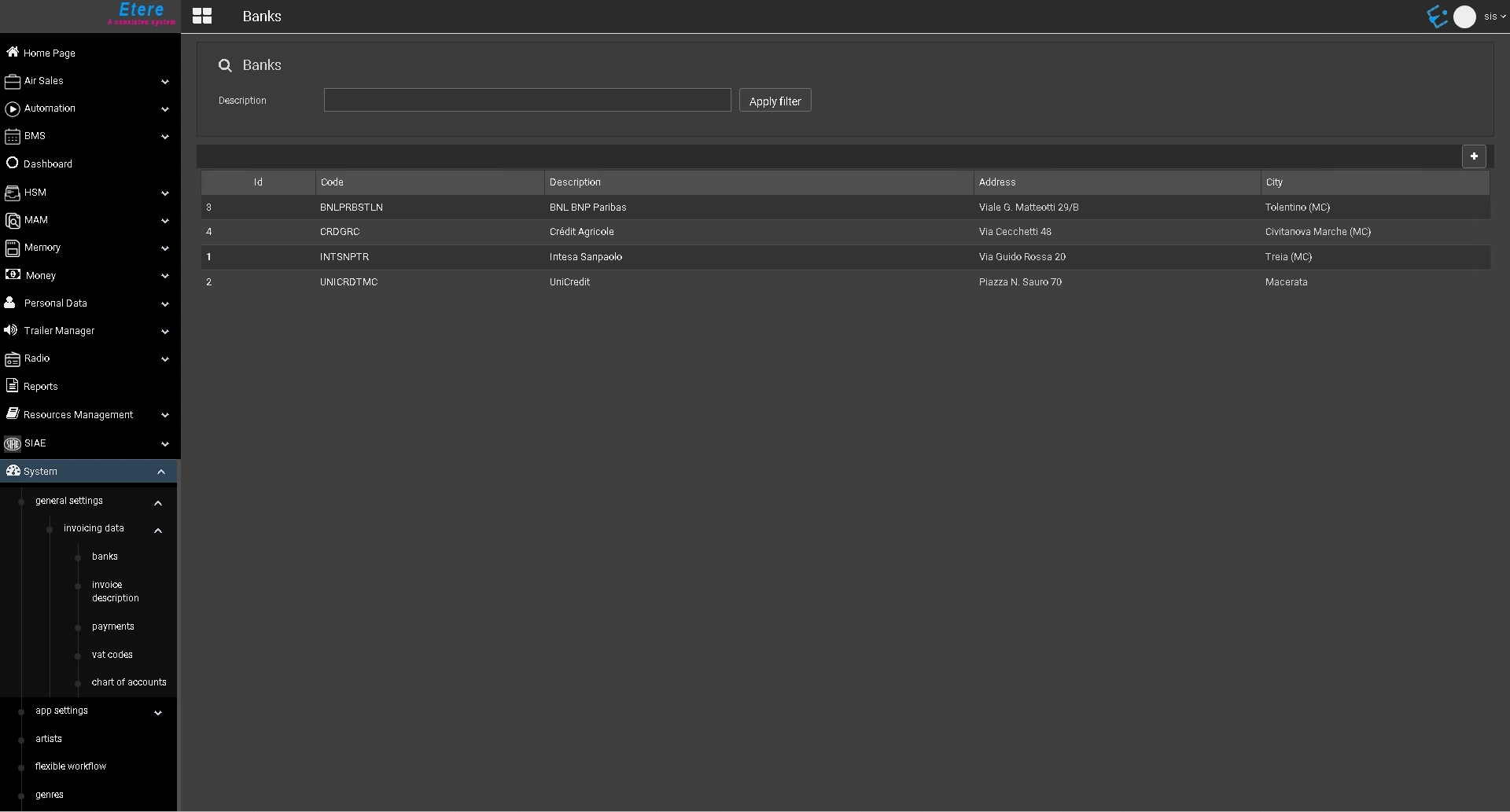 etereweb_banks_list
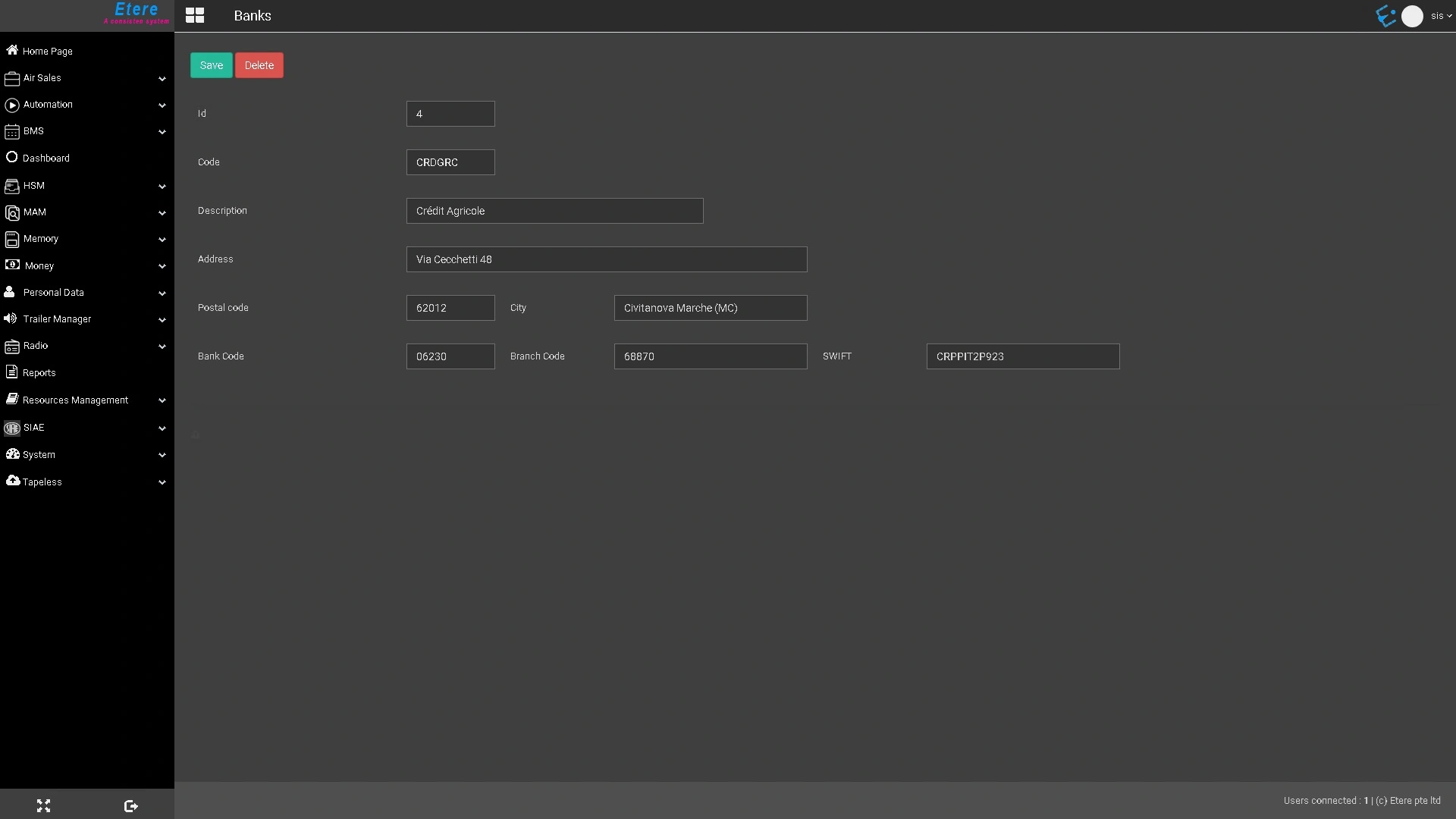 etereweb_bank_details