15.16.1.3 Payments
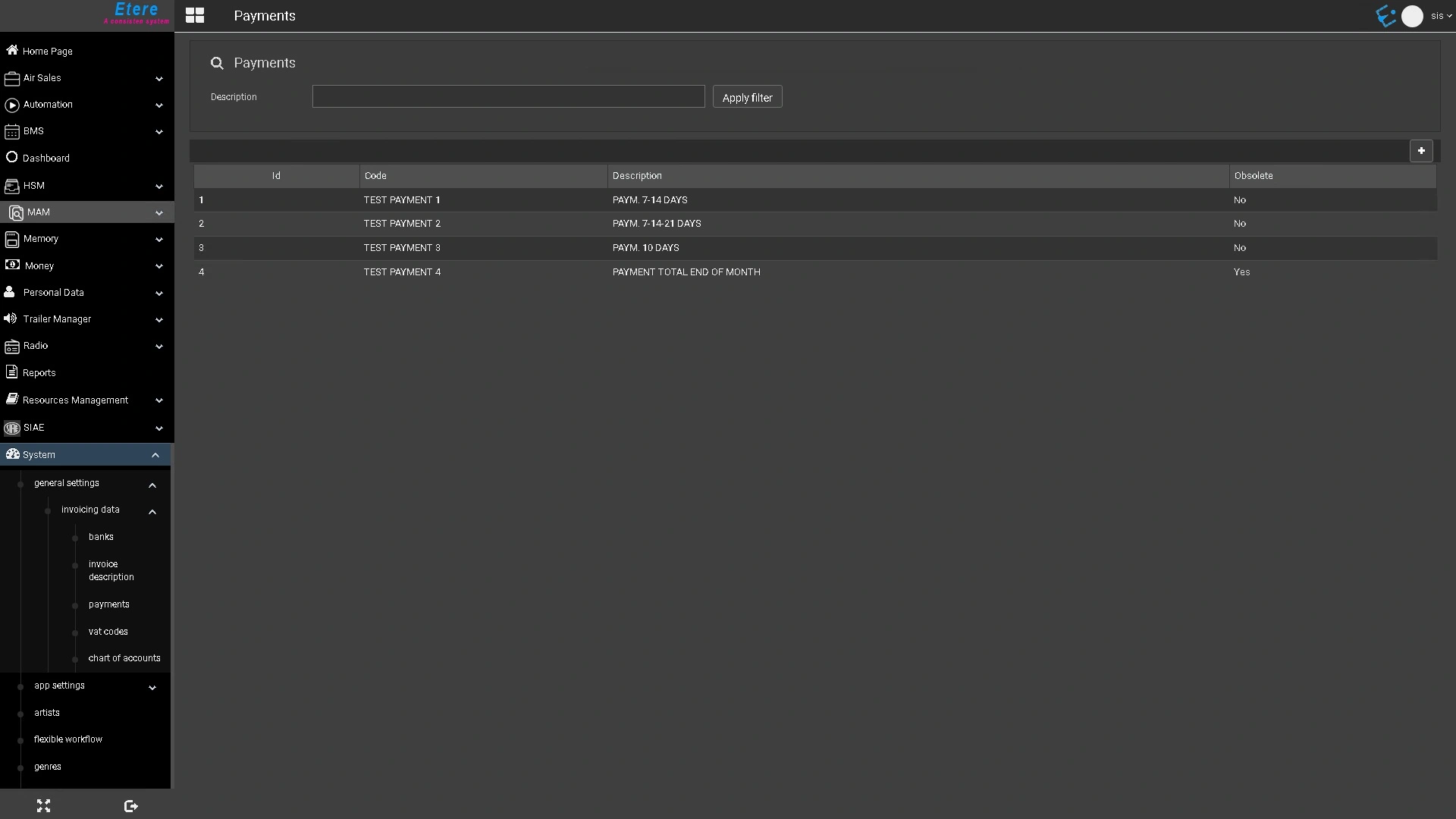
The Payments section allows you to configure the payment methods used for commercial orders.
To edit a payment method, click its Id, Code or Description in the list.
Field Descriptions
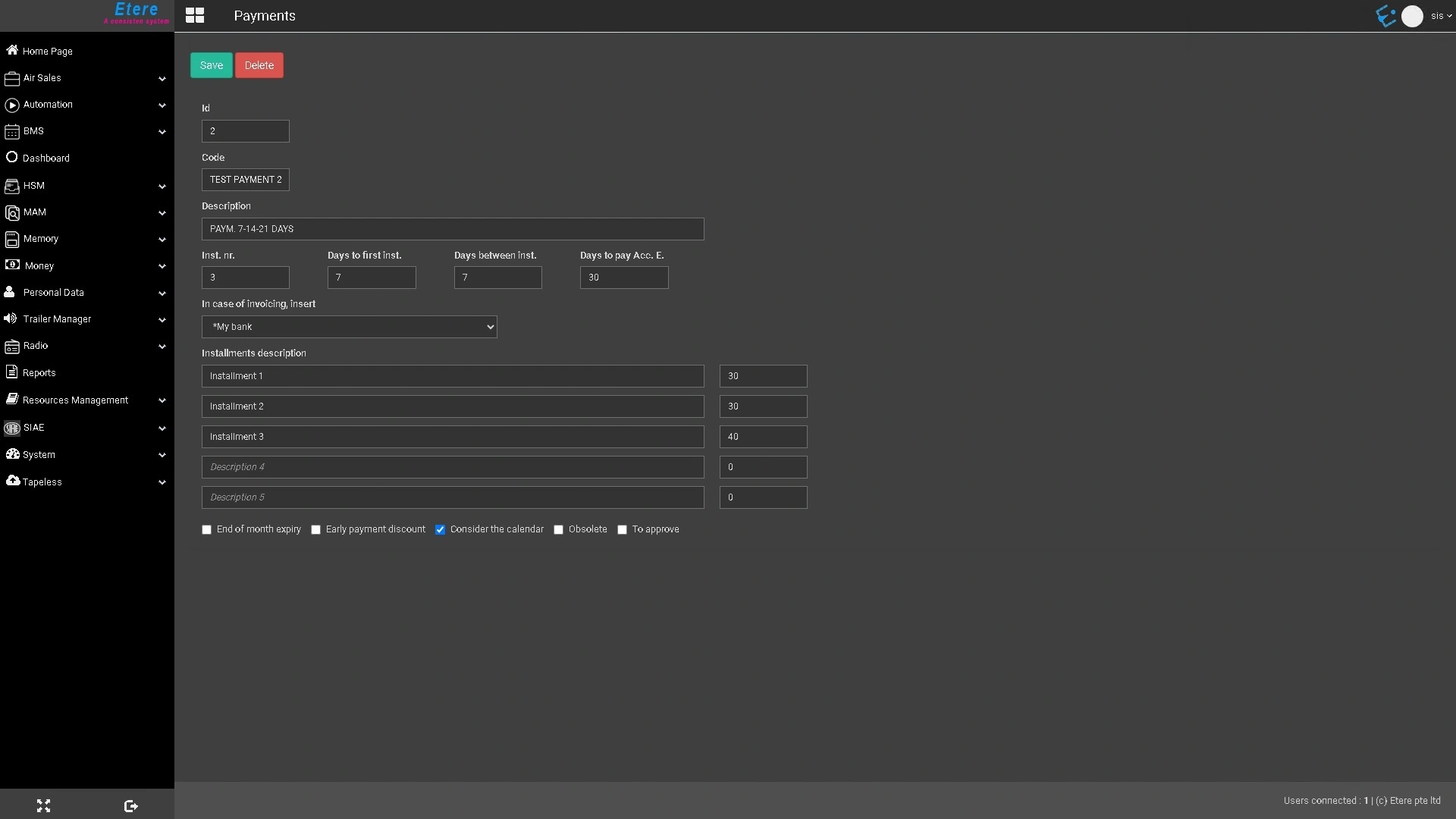
Id: Automatically assigned by the system when the payment method is created. This value cannot be modified.
Code: Unique code used to identify the payment method within the system. This value cannot be modified after the payment method has been created.
Description: A brief description of the payment method.
Inst. nr.: Specifies how many installments the payment will be divided into.
Days to first inst.: Specifies the number of days from the payment date to the due date of the first installment.
Days between inst.: Specifies the interval, in days, between consecutive installment due dates.
Days to pay Acc. E.: Specifies the number of days after the payment date before the account executive's commission becomes payable.
In case of invoicing, insert: Specifies the bank to which payments will be assigned during invoicing, such as the company's bank, the customer's bank, or no bank.
Installments description: A brief description of each payment installment. The adjacent field specifies the percentage (%) of the total payment represented by that installment
End of month expiry: When enabled, payment due dates are automatically adjusted to the last day of the month.
Early payment discount: When enabled, an early payment discount can be applied.
Consider the calendar: When enabled, payment deadlines are generated according to the configured Deadlines Calendar.
Obsolete: Marks the payment method as no longer in use. Obsolete payment methods are hidden and cannot be selected throughout the system, including sales proposals, purchase orders, personal data records, and other modules.
To approve: Indicates that payments using this payment method must be approved by a supervisor before processing.
 etereweb_payments_list
 etereweb_payment_details