Invoicing data
15.16.1.2 Invoice Description
The Invoice Descriptions section allows you to define and manage the descriptions used when generating invoices.
To create a new invoice description, click the "+" button and enter the required Code and Description.
To edit an existing invoice description, click the ☰ button located on the left side of the corresponding entry and select Edit.
To delete an invoice description, click the ☰ button and select Delete.
You can use the invoice descriptions defined in this section throughout the invoice generation process.
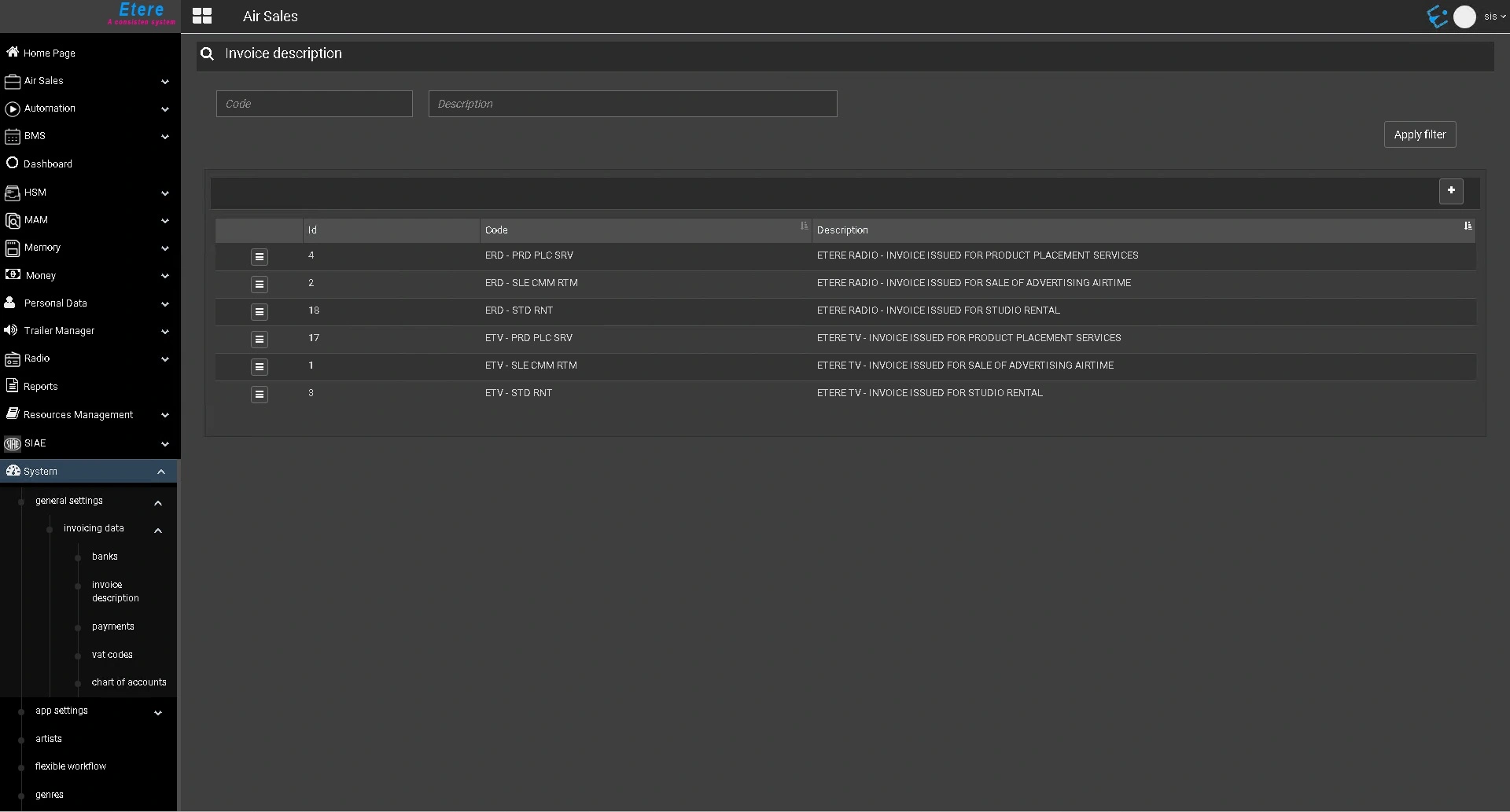 etereweb_invoice_description_list
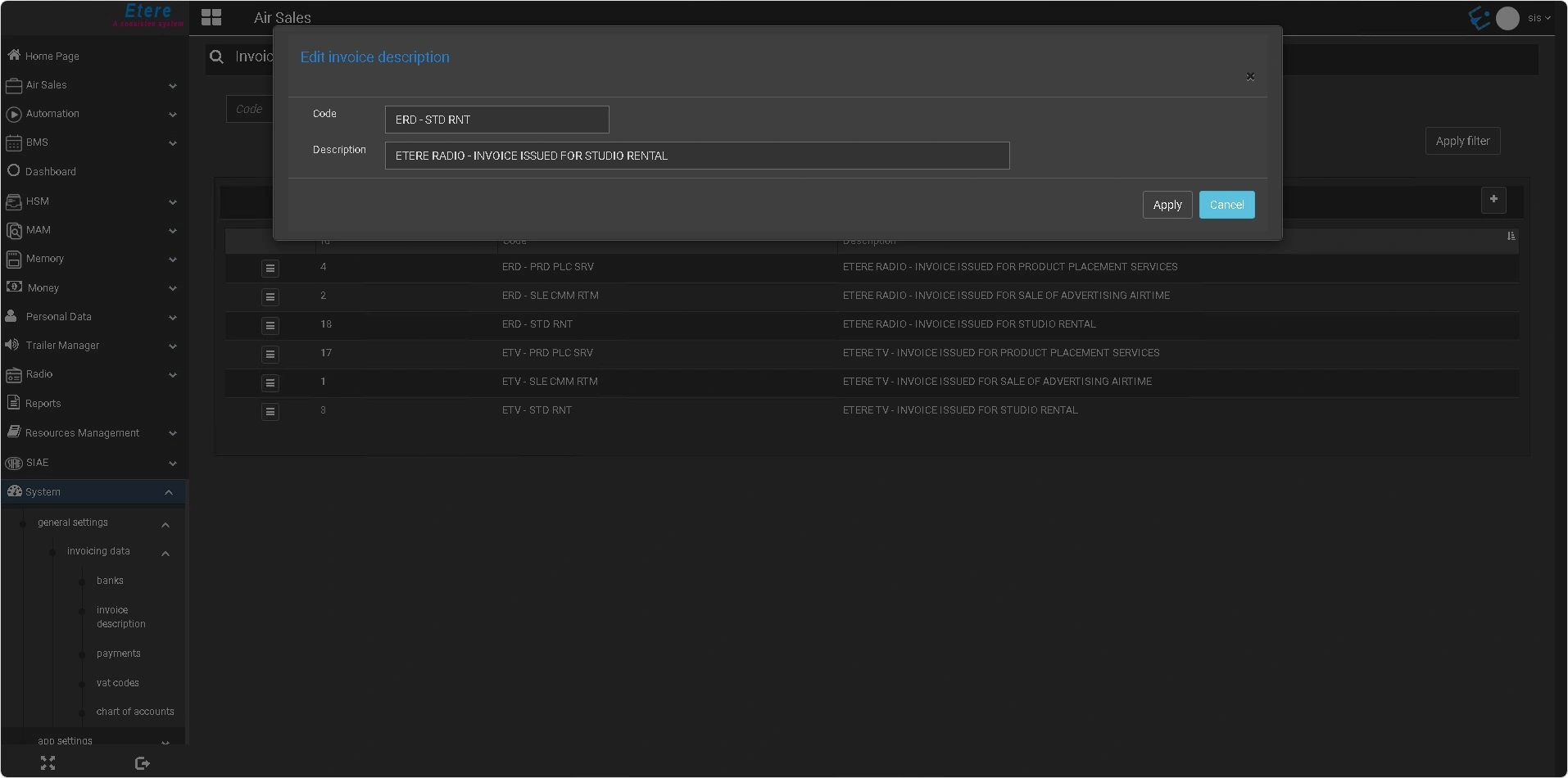 etereweb_edit_invoice_description