52.3.1.2 Remote Control Ad Insertion
The "Ad Insertion Remote Panel" allows remotely control the Ad Insertion automation, permitting Executive Editor operators to remotely perform the following actions:
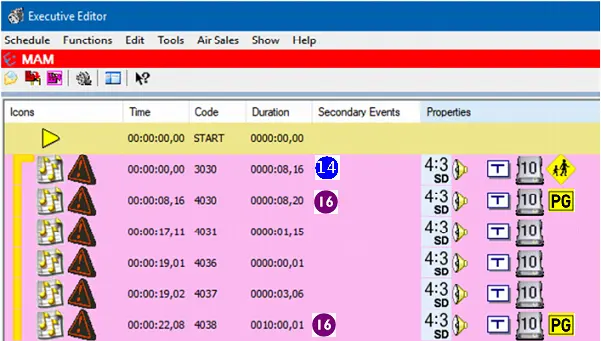
Executive Editor
During playing
•Counter: Display the time remaining to the end of the cluster.
•Main/Clone: Switch between the main and cloned Ad Insertion server.
During waiting
•Counter: Display the time remaining to the start of the next cluster.
•Play, discard and refresh: These commands (explained in the user interface chapter) are related to the Ad Insertion server playlist(s) and allows to:
Function - Play
Description: When the system status is READY, this button will allow to force the playback of the cluster. In most cases this button is not used since the PLAY is automatically managed from Automation.
Please note that the PLAY takes place either by pressing this button or through a GPI (set in the Settings > GPI section).
Function - Discard
Description: Skips the current loaded cluster, removing it from the playlist(s) and load the next cluster.
Function - Refresh
Description: Reload the updated cluster. For instance, if you have modified and republished a schedule from MAIN, this button allows one to update the cluster without closing and reopening the module.
NB: The play / discard / refresh commands are available only during the cluster scheduled on-air time, when the system waits for an operation action.
 Executive Editor